HOA Email List: A Private, Simple Alternative to Reply‑All Chaos
Stop exposing your neighbors' email addresses in every HOA message. Here's how to run a private, organized email list without IT skills or monthly fees.

You volunteered to help run the HOA. Nobody warned you that meant becoming the neighborhood's email administrator.
Now you're CC'ing 47 people about the pool gate code, someone hits Reply All to say "thanks," and suddenly everyone's inbox has twelve new messages — plus one from Harold asking why his email address is visible to "the whole internet."
Harold has a point.
The problem with how most HOAs handle email
Most neighborhood boards start the same way: someone collects email addresses in a spreadsheet, pastes them into the CC line, and hits send. It works for a while — until it doesn't.
Here's what actually happens over time:
- The list gets stale. People move. Email addresses bounce. Nobody updates the spreadsheet because nobody remembers where it lives.
- Reply All floods. One person replies to everyone. Then someone replies to that. Then someone asks to be removed. Then someone replies all to ask people to stop replying all. You know exactly how this goes.
- Important messages get buried. When every HOA email thread turns into a 30-message pile-up, people start ignoring them entirely. Including the one about the water shutoff.
- Nobody knows who's in charge of the list. The board president started it, then moved to Tucson. Now three people have slightly different versions of the spreadsheet.
It's not that anyone did anything wrong. It's that CC was never designed to be a mailing list.
The privacy problem nobody talks about
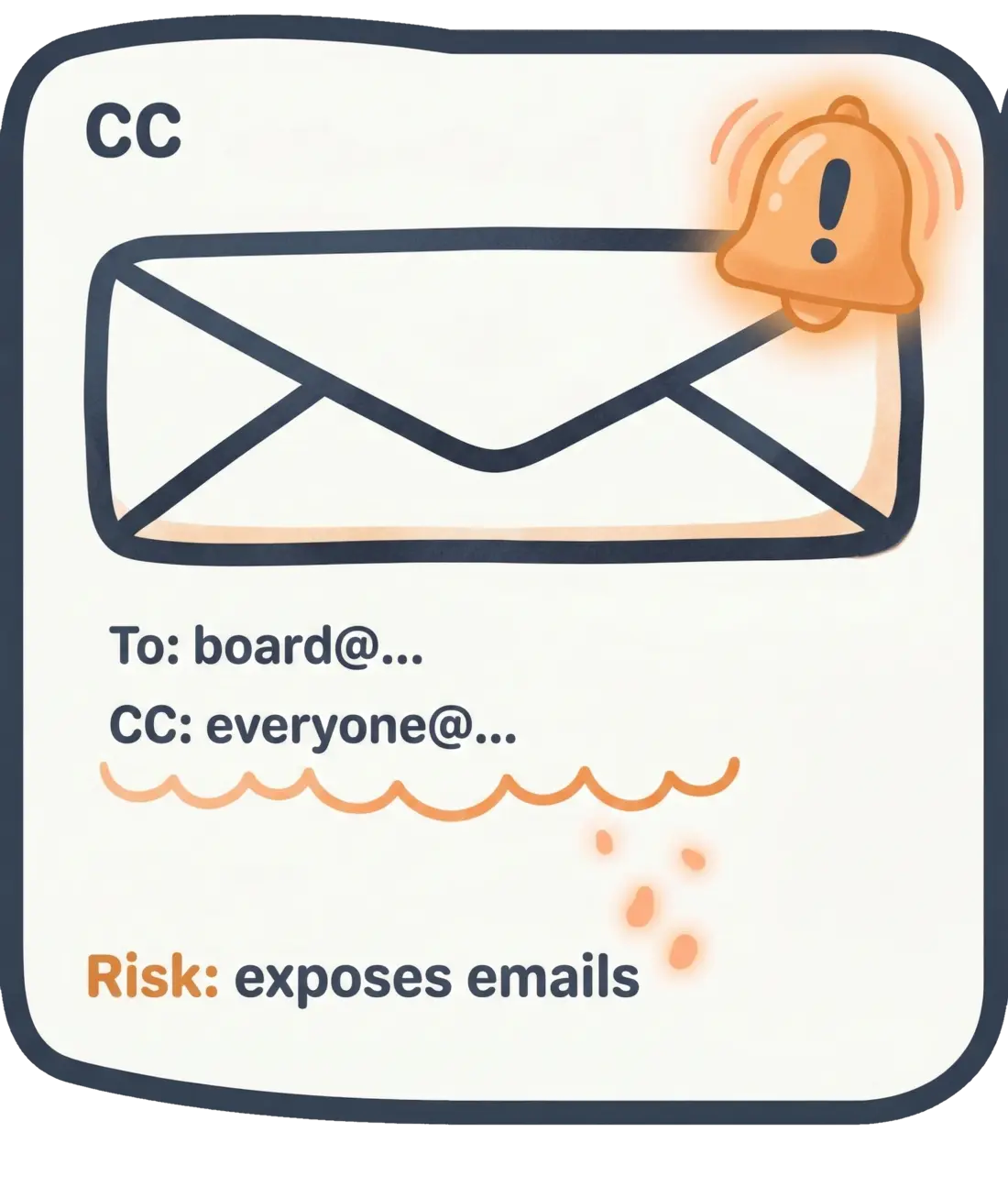
Here's the part that should make every board member uncomfortable: every time you CC a group of homeowners, you're sharing every person's email address with every other person on that list.
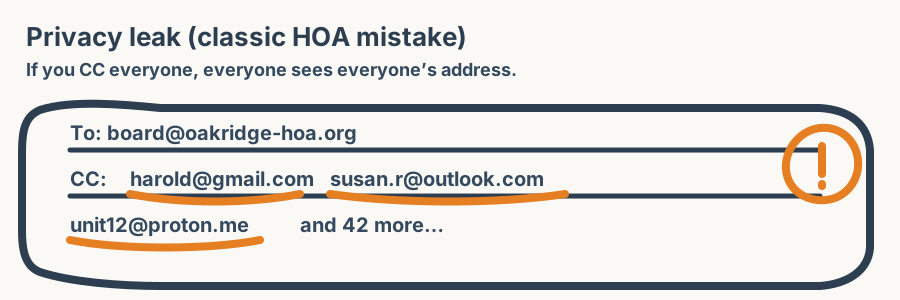
CC exposes every recipient’s email address to every other recipient.
That means:
- Every recipient can see every other recipient's email address. For some neighbors, that's fine. For others — domestic violence survivors, people avoiding stalkers, folks who simply value their privacy — it's a real problem.
- Any recipient can forward that list. One forwarded email and your entire neighborhood directory is in the hands of a real estate agent, a scammer, or just someone's weird cousin.
- You may be violating your own HOA's privacy policy. Many HOA governing documents include privacy provisions. Bulk CC'ing personal email addresses may technically breach them.
This isn't hypothetical. HOA boards have faced complaints — and occasionally legal action — over exactly this kind of accidental data exposure.
Why BCC doesn't fix it
"Just use BCC!" is the first suggestion everyone makes. And sure, BCC hides the addresses. Problem solved, right?
Not quite.
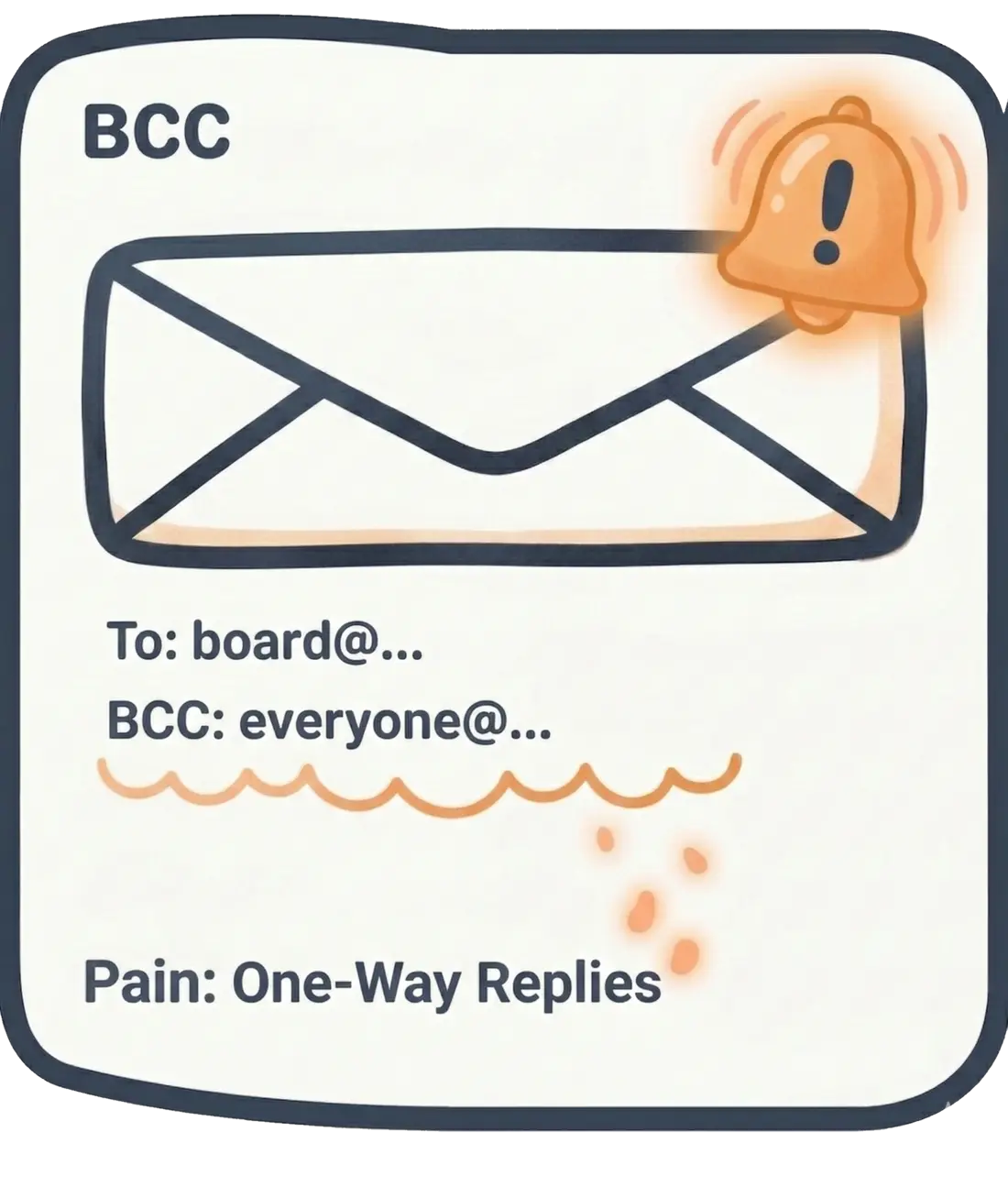
- No one can reply to the group. BCC is one-way. If a homeowner has a question about the annual meeting, they can only reply to you. Now you're the switchboard operator for the entire neighborhood.
- People forget. All it takes is one person accidentally using CC instead of BCC, and every address is exposed again. It will happen. It always happens.
- No subscribe/unsubscribe. People can't remove themselves. You're manually managing every addition and removal.
- Spam filters hate BCC blasts. Send a BCC email to 50+ people from a regular Gmail account and watch your messages start landing in spam folders. Email providers treat bulk BCC sends as suspicious — because spammers use the same technique.
- No record of who's on the list. BCC doesn't give you a roster. There's no way for a new board member to see who's receiving messages without digging through someone else's email.
BCC is a bandage. It hides the most obvious problem while creating a handful of new ones.
What actually works: a simple email list
What you need is a proper email list — but not the enterprise kind with training manuals and IT departments. The neighborhood kind.
Here’s the simple mental model:
-
CC: everyone sees everyone.
-
BCC: addresses are hidden, but it breaks group replies.
-
A list address: one address, private recipients, and replies still work.
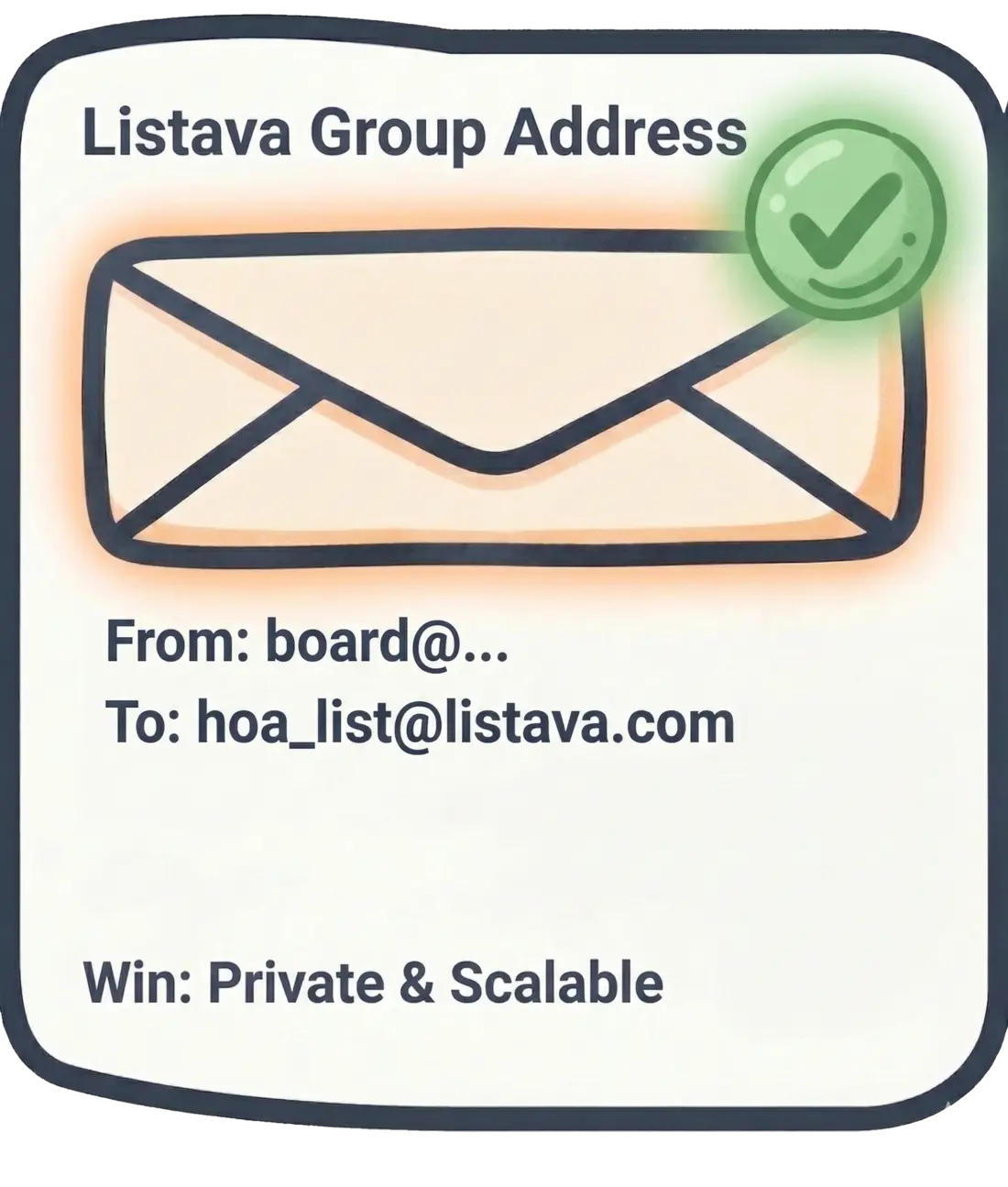
CC and BCC are workarounds. A list address is the clean, private approach.
A good HOA email list does a few things:
- One address, many recipients. You send to something like
[email protected]and everyone on the list gets the message. Simple. - Addresses stay private. Recipients see the list address, not each other's personal emails.
- People can reply. Replies go to the list (or just to the sender — your choice). No switchboard operator needed.
- Self-service join/leave. Homeowners can add or remove themselves. You don't have to manage every change manually.
- The list has an owner, and ownership can transfer. When the board president changes, the list doesn't disappear with their Gmail account.
That's it. No analytics dashboards. No segmentation strategies. Just a private, reliable way to email your neighbors.
Setting one up takes about five minutes
You can create a free email list on Listava in the time it takes to microwave a burrito. No account required to get started. You'll get a list address, a shareable join link, and basic controls to manage who's on the list.
Then share the join link at the next board meeting, in the newsletter, or taped to the mailroom wall. People add themselves. Done.
The welcome email (copy and paste this)
Once you've set up your list, send this as your first message. Feel free to edit it — it's yours.
Subject: Welcome to the [Neighborhood Name] Email List
Hi neighbors,
We've set up an email list for [neighborhood name] so the board can share updates and everyone can stay in the loop — without the reply-all chaos.
A few quick things:
- Your email address is private. Other list members can't see it.
- To reply to the whole group, just hit Reply. Your message goes to the list.
- To reply only to the sender, forward your reply to their address directly.
- To unsubscribe, click the unsubscribe link at the bottom of any list email.
What we'll use this for:
- Board meeting announcements and agendas
- Maintenance and community updates
- Neighborhood events
What this isn't for:
- Selling things (use the Facebook group for that)
- Political campaigns
- Lost cat alerts (okay, maybe lost cat alerts)
If you know a neighbor who should be on this list, forward them the join link: [your join link]
Welcome aboard, [Your name], [Your title] [Neighborhood name] HOA Board
Frequently asked questions
How much does this cost? Many email list tools — including Listava — have free tiers that handle a typical neighborhood just fine. You probably don't need to spend anything.
Can I control who joins? Yes. Most list tools let you approve new members, restrict posting to board members only, or set the list to open discussion. Pick whatever fits your neighborhood's vibe.
What if someone abuses the list? The list owner can remove members and moderate messages. It's your list — you set the rules.
Should we use a Facebook group instead? Facebook groups work for casual discussion, but they require everyone to have a Facebook account, they bury important posts in the algorithm, and they don't reach people's inboxes. An email list delivers directly. Use both if you want, but the email list should be the official channel.
Can I move our existing email contacts over? You can invite people by sharing the join link. For privacy reasons, it's better to let people opt in rather than importing a spreadsheet of addresses they didn't consent to share.
What about Nextdoor? Nextdoor is great for hyperlocal chatter, but you can't control membership, you can't ensure delivery, and the platform decides what people see. For official HOA communications, you want something you control.
Related guides
- CC vs BCC for HOA Emails (and Why Both Still Fail) — a side-by-side breakdown of what goes wrong with each approach.
- How to Email Homeowners Without Exposing Everyone's Email Address — four approaches compared, with an honest look at what actually works.
- How to Leave an HOA Email List Without Drama — why quiet, self-service unsubscribes matter for neighborhood email.
- How to Keep Your HOA Email List Current When Homes Sell — the roster-handoff process for onboarding new owners and offboarding sellers, with copy-paste templates.
- HOA Announcement Email Templates (Copy, Paste, Send) — 12 ready-to-send templates for meetings, dues, maintenance, and emergencies, each with a subject line.
- Neighborhood Email List vs. Facebook Group: What Goes Where — which channel for official notices versus neighborly chatter, and why Facebook can't carry the can't-miss stuff.
Ready to ditch the CC line?
Create a free email list on Listava →
Takes about two minutes. No credit card. No "schedule a demo." Just a list.