How to Write an Announcement for an Event: Email Examples
Learn how to write an announcement for an event people open and act on: subject lines, essential details, accessibility notes, privacy and ready templates.
You've booked the hall, agreed on a date, and found someone to open the doors. Now you need to email the neighborhood, club, or congregation without starting a chain of questions about parking, guests, and whether anyone needs to reply.
Learning how to write an announcement for an event is mostly about putting decisions in the right order. Tell people why they should come, give them enough information to decide, and make the next action obvious. Then plan the follow-ups before you send the first message.
Table of Contents
- How to Write a Subject Line and Opening Line
- Write the Body in Six Steps
- Full Announcement Template to Adapt
- Accessibility Details to State Before You Send
- When to Send Each Message and How to Handle Replies
- Common Mistakes and the Pre-Send Check
- Choose the Send Method and Send the Save-the-Date
How to Write a Subject Line and Opening Line
Your subject line is both a headline and a preview. Name the event and the detail that affects the reader's decision, not the organizer's sense of urgency.
These hypothetical examples show useful formats:
- Event plus decisive detail: Neighborhood Cleanup, Saturday, May 18
- Event plus deadline: Book club picks: reply by May 10
- Event plus essential change: Pool gathering moved indoors
- Weak alternative: Important update
Reminder and Please read have the same weakness as Important update: neither tells recipients what they're opening. Put the event name before Reminder, not after a long introductory phrase. For more wording options, use these interesting subject lines for emails as starting points rather than promises of better results.
What subject-line research actually tells you
A GetResponse analysis of 7 billion emails, summarized by Blogging Wizard, reported that subject lines containing the word events averaged a 42.76% open rate, while subject lines in its identified higher-performing length range averaged 32.1%.
Those are different categories, not evidence that adding events will improve your announcement. Audience, sender reputation, privacy protections, and measurement methods affect the result. Use recognizable wording, then check whether the meaningful part remains visible on a phone.
Open with purpose, then action
For a hypothetical congregation potluck, the opening could read:
Join our congregation's potluck after worship to welcome new members and share a meal.
Reply privately to the organizer to confirm whether you're coming and mention any dietary needs.
That opening establishes relevance and gives the reader a job. The logistics belong immediately underneath, before the history of the fellowship committee.
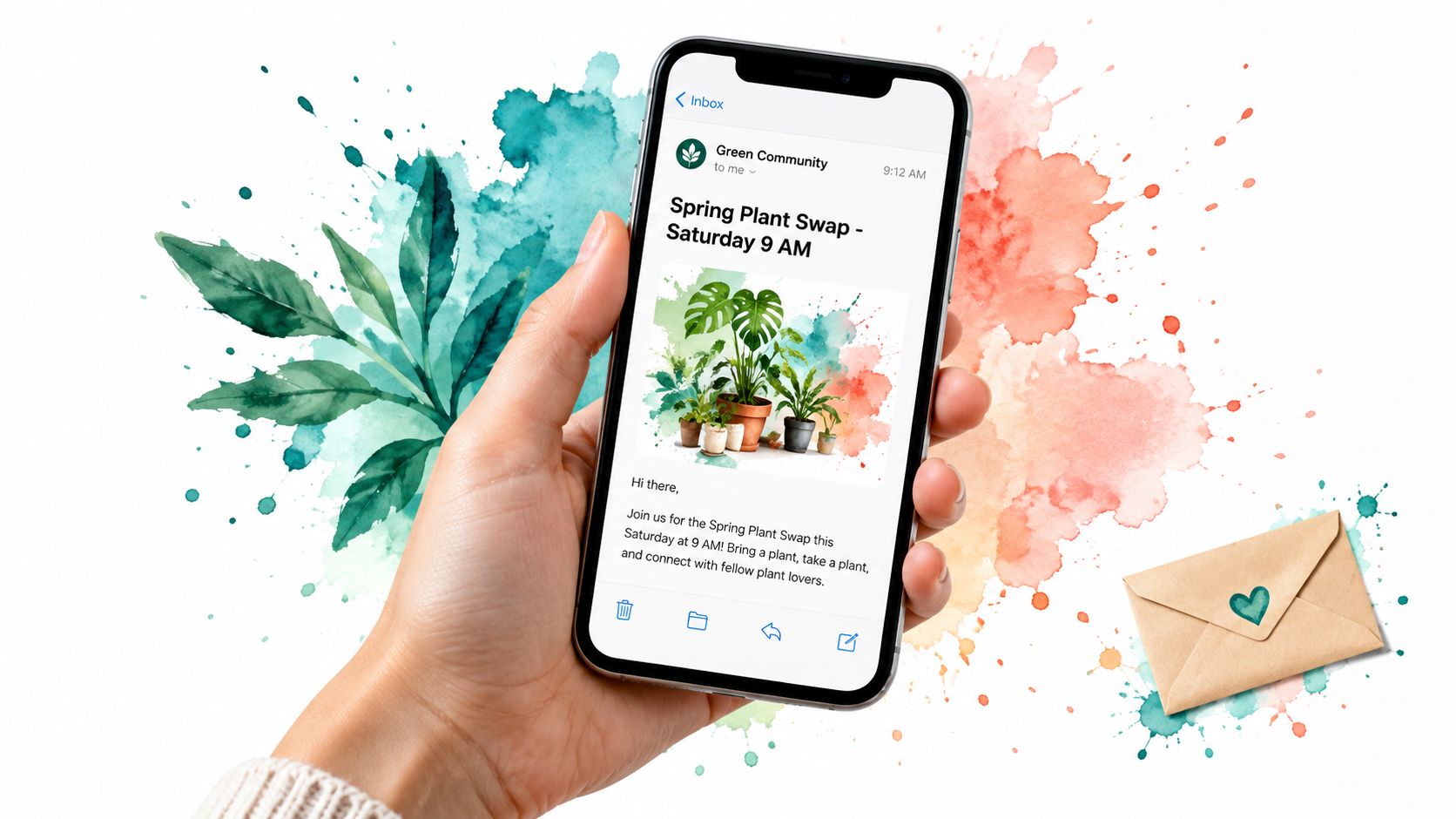
A phone-sized preview makes the importance of clear wording easy to see.
Write the Body in Six Steps
Say a cleanup announcement arrives late on Friday for a Saturday event. Neighbors read it on their phones, but the message never says whether to bring gloves or where to meet. The organizer has sent an invitation and created an inbox full of avoidable questions.
Write for HOA members, club participants, and family readers with different reading abilities and levels of confidence with email. The U.S. Office of Personnel Management's plain-language guidance recommends defining the audience, organizing information, using active voice, and testing whether readers understand the intended meaning.
Build around the reader's decision
- Name the reader and the action. Decide whether you need an attendance confirmation, a reservation, or a volunteer commitment. Don't ask for all of them by default.
- State the purpose. Explain why this event matters to this group. A club meeting to choose the next outing needs a different opening from a social gathering.
- Build the logistics block. Give the event, audience, schedule, location or joining instructions, cost, and contact. Include the full date, year when useful, start and finish, time zone, and duration. For hybrid events, label in-person and online instructions separately.
- Trim the background. Keep information that helps someone attend or prepare. Committee history and internal planning belong elsewhere.
- Give one explicit call to action. Pair the action with a deadline. A separate fundraising request or survey usually deserves a separate email.
- Explain reply behavior. Tell recipients whether their response goes privately to the organizer or to everyone.
Use active verbs. Instead of the passive wording Volunteers are being sought for the setup crew, write We need volunteers to set up tables before doors open.
Essential facts and how to word them
The following is a hypothetical cleanup example. Replace its details with confirmed arrangements.
| Detail | What to write | Example | |---|---|---| | What is happening | Event name and purpose in one line | Neighborhood Cleanup: clearing the creek path behind Maple Court | | Who it is for | Named audience and any eligibility rule | Maple Court and Elm Street residents; children must attend with an adult | | When | Weekday, full date, start and end time, time zone | Saturday, May 18, morning through lunchtime, Pacific Time; insert confirmed clock times | | Where or how to join | Street address with a landmark, or joining instructions | Meet at the gate beside the Maple Court mailboxes; gloves provided | | What to do next | One action with a deadline | Reply by May 10 to say you're coming | | Cost and contact | Fee or free, and who answers questions | Free; reply privately with questions for the organizer |
Move the useful details up
Before
Following the committee's discussion about member engagement and our plans for future outings, we're pleased to arrange another club meeting. Please contact the secretary if interested.
After
Club members will meet to choose our next outing. Please confirm attendance privately to the secretary.
When: Confirmed weekday, full date, start and finish, and time zone
Where: Confirmed venue and street address
Cost: Free
Access: Confirmed entrance, seating, and toilet information
Reply deadline: Confirmed dateBring an outing suggestion if you have one. We'll circulate the selected destination afterward.
The revised version moves the decision and logistics above the background. It also removes the organizer's internal process, which readers don't need to act.
Full Announcement Template to Adapt
Use this hypothetical cleanup template as a working draft, not as a statement about an actual venue. Replace every unconfirmed detail before distribution, particularly access claims and reply behavior.
Neighborhood cleanup announcement
Subject: Neighborhood Cleanup, Saturday, May 18
Maple Court neighbors are clearing the creek path on Saturday, May 18, and we need help removing litter before the wet weather.
What: Neighborhood Cleanup, clearing the creek path behind Maple Court
Who: Maple Court and Elm Street residents; children must attend with an adult
When: Saturday, May 18; add the confirmed year, start and finish, Pacific Time, and expected duration
Where: Meet at the gate beside the Maple Court mailboxes; add the confirmed street address
Cost: Free
Bring: Sturdy footwear and weather-appropriate clothing; gloves provided
Access: Step-free route from the gate and accessible toilet at the clubhouse, subject to confirmation before sending
Access requests: Reply privately by May 10 to discuss accommodations
We'll collect litter along the creek path. Please leave sharp objects and heavy items for the designated cleanup crew.
You're welcome to help for part of the session. Let the organizer know when you arrive so they can explain the task and equipment.
Reply by May 10 to say you're coming.
Replies: Send attendance confirmations and access requests privately to the organizer, not to the group address.
Dana Ruiz
Cleanup organizer
Contact: reply directly using the organizer's verified address
Adapt without introducing contradictions
Keep a master copy of the logistics so later messages don't acquire different meeting points or finish times. Change the subject, opening, deadline, and preparation note to match each send's purpose.
Practical rule: Reuse confirmed facts, not stale instructions. A reminder sent after registration closes shouldn't ask people to meet the old deadline.
If arrangements change, update the master copy and clearly identify the change in the next message. Don't quietly substitute a new venue inside an otherwise familiar block.
Accessibility Details to State Before You Send
An event invitation isn't complete if a reader can't tell whether they can enter the building, use the toilet, or follow the program. Event-accessibility findings summarized by ScaleGrowth's event invitation guide found that 93% of delegates with disabilities encountered barriers at events.
That finding concerns delegates, not the readership of a neighborhood email. It doesn't predict your attendance, but it gives organizers a clear reason to check access arrangements rather than assume the venue has handled them.
State arrangements, not reassurance
Label the information Access and use concrete descriptions instead of a blanket claim that everyone is welcome. These hypothetical examples illustrate the wording; they aren't claims you should copy without checking.
Access details to state in every announcement
| Access item | What to state | Example wording | |---|---|---| | Step-free access | Whether the entrance and route are step-free | Step-free entrance from the car park on Oak Lane | | Accessible toilets | Location and level | Accessible toilet on the ground floor, next to the hall | | Seating | Available seating options | Chairs with arms are available; ask for a front-row seat | | Parking or transit | Distance or route to the entrance and nearest stop | Accessible parking beside the entrance; nearest bus stop across Oak Lane | | Captioning or interpreting | Provision and request method | Captions and ASL interpreting available on request; reply by May 10 | | Sensory conditions | Noise, lighting, and quiet space | Music will be low; a quiet room is open beside the kitchen | | Service animals | Venue arrangements | Service animals are welcome at every session | | Dietary needs | Food arrangements and allergy contact | Food will be served; contact Dana about allergies before confirming attendance | | Requests and deadline | Named contact and request date | Ask Dana Ruiz, the organizer; send requests by May 10 |
When something isn't offered, write not available. When you haven't confirmed it, say so and name the person checking. Don't turn an unknown into a reassuring promise.
For volunteer-run events, ask the venue about the actual route from arrival to activity, not just the entrance. A recent attendee may also identify a heavy door or uneven path that a venue description overlooks.
Shorten the committee background before you shorten the information someone needs to participate.
Readable labels preserve brevity without hiding essential details. Apply the same care to the email itself with these email accessibility guidelines, including meaningful text rather than an image-only invitation.
When to Send Each Message and How to Handle Replies
In an Eventbrite and Emma survey of nearly 400 event creators, 27% sent their first announcement two to three months before the event, according to Emma's event-email timing article.
That's a creator-reported benchmark, not proof of an ideal schedule for your congregation or club. A venue booking that requires travel needs more notice than a familiar gathering close to home. Start early enough for the decisions you're asking people to make.
Give each send a different job
Send sequence for a community event
| Send | When | What it covers | |---|---|---| | Save-the-date | Once the core arrangements are confirmed | Event name, purpose, date, time, place or access, one next action | | Detail email | When attendance and preparation decisions are needed | Full logistics, accessibility details, cost, registration method | | Final reminder | Before the response deadline or event | Date, time zone, deadline and the action; no new background | | Day-before note | The day before | Address or joining instructions, parking or transit, what to bring |
Don't send another email merely because it's on the calendar. Add useful preparation information, resolve an uncertainty, or remind people of an approaching decision. If the group already knows the arrangements, keep the reminder brief.
For a cross-region audience, use a named time zone and check daylight-saving rules for the event date. Give equivalent local times for major audience regions when needed, and make the event's duration clear. A calendar invitation helps, but the email must still make sense without opening it.
Use a consistent sender name and a recognizable event subject. These event reminder email suggestions can help you change the wording without hiding the purpose.
Decide where responses belong
The HOA email-list problems behind our work included messages landing in spam, a neighbor missing a meeting notice, and addresses copied by hand from a spreadsheet. Check bounced addresses and ask recipients to save the sender address after the first announcement. That can help recognition, but it isn't a delivery guarantee.
Keep private attendance details out of group discussions. Put the reply destination beside the request, especially when access needs or dietary information are involved.
Our articles also explain when CC, BCC, Google Groups, or a Facebook group is good enough. Don't replace a workable method unless the group's delivery, privacy, or conversation needs justify it.
Common Mistakes and the Pre-Send Check
A polished announcement can still send people to a locked building. Verify facts against the venue calendar, booking confirmation, registration setup, or responsible organizer, not your memory.
Draft the complete information, cut material that doesn't help attendance or preparation, and then check the remaining facts. The Bureau of Indian Affairs' plain-language guide recommends digestible sections, headings, lists, familiar language, and sufficient white space.
Check facts before style
- Schedule and location: Match the date, time zone, address, and joining instructions to the operational source.
- Registration: Confirm deadlines, capacity limits, and what happens after submission.
- Instructions: Make the required action visible without reading the whole message.
- Language: Explain unavoidable acronyms and remove internal committee shorthand.
- Urgency: State the deadline in words. Red text alone won't communicate it reliably.
Test registration from the recipient's side. A vague Register here instruction leaves people wondering whether they've booked a place, joined a waiting list, or merely expressed interest.
A stronger hypothetical version is: Complete the registration form to request a place; the organizer will email your confirmation and joining instructions. Use that wording only if it matches the actual process.
Ask an unfamiliar reader
Send a draft to someone who hasn't helped organize the event. Don't explain it first, because that would conceal what the email fails to communicate.
Recipient test: Can the reader identify what's happening, when and where, who should attend, what they must do, and who can help?
Fix the first missing answer, then test again. Finish by checking that any links work and that the plain-text content remains understandable when images don't load.
Choose the Send Method and Send the Save-the-Date
For a small gathering among people who know each other, a personal inbox may be enough. For an ongoing group, choose according to privacy and reply behavior, not the appeal of another tool.
A familiar email client is often all the organizer needs to draft and test the invitation.

Match the method to the conversation
Send methods compared
| Method | Best for | Trade-off | |---|---|---| | Personal inbox with group in CC | Small group that already knows each other | Addresses visible; reply-all chains likely | | BCC | One-off notice to a small set of recipients | Addresses hidden; replies drop out of the conversation | | Group address | Ongoing groups where replies stay in the conversation | Choose a service with address privacy and participation through ordinary email | | Google Groups or Facebook group | Members already use the platform | Requires compatible account access and established habits |
BCC isn't wrong for an announcement-only message. It becomes awkward when members need to coordinate rides or discuss arrangements together. Conversely, a group conversation isn't the right destination for private accommodation requests.
We offer a shared group address through Listava, with personal addresses hidden and no member accounts or apps required. Our messages use large fonts and high contrast to support readability.
For a visual companion, watch the video below.
Make the first send manageable
- Choose the method that fits the audience and expected replies.
- Count back from the event to allow time for travel, registration, and preparation.
- Draft the save-the-date with the essential facts and a clear action.
- Test-send the message to yourself and someone outside the planning group. Check the subject on a phone and inspect the actual reply destination.
- Put follow-up dates in your calendar, with a note explaining what each message must accomplish.
Before sending, make sure the reply instruction matches what your chosen method does. Don't promise private replies when the reply button sends to everyone.
Listava gives your group a shared email address for announcements and ongoing conversation while keeping members' personal addresses hidden. Visit Listava to explore email-only group communication or schedule a demo for your next event-announcement sequence.