8 Announcement Email Examples: When to Send Each
Explore eight announcement email examples for HOAs, clubs, congregations, and family coordinators, plus tactics and notes on when to use each one.
You send a pool gate update to the neighborhood's long CC list. Someone replies all with thanks, another neighbor asks about guest passes, and the conversation drifts into parking. By evening, a dozen neighbors still haven't noticed the message that mattered: their old gate access won't work.
The problem isn't that you had nothing useful to say. Most announcement failures are better treated as a missing-template problem, not a missing-message problem. Organizers need a repeatable way to show what changed, who's affected, what happens next, and where replies should go.
A meeting invitation needs room for questions. A dues reminder needs a private payment-response route. A family introduction needs consent before anyone presses Send. Treating them all like a general update creates unnecessary work for both sender and reader.
Practical rule: Before writing the body, decide what recipients should know, what they should do, and who should receive their replies.
These announcement email examples match familiar situations across HOAs, clubs, congregations, and extended families. Each includes an adaptable template, an exact subject-line pattern, a reply-routing decision, and a practical sending moment. Replace the bracketed details before sending, and choose the format that fits the situation rather than squeezing every announcement into your usual newsletter.
Table of Contents
- 1. Meeting or Event Announcement
- 2. Monthly or Periodic Community Update
- 3. Urgent Notice or Schedule Change
- 4. Volunteer Request or Sign-Up Call
- 5. Welcome or New Member Introduction
- 6. Leadership Transition or Officer Handoff
- 7. Fundraiser or Dues Reminder
- 8. Family News or Milestone Update
- How the eight announcement email types compare by audience, timing, and purpose
- Choose the Template, Then Send It to the Right Address
1. Meeting or Event Announcement
A meeting announcement should let someone put the event on their calendar without opening an attachment. Lead with when, where, and why, then explain whether attendance requires a response.

An Adaptable HOA Meeting Notice
Subject pattern: [Group] meeting | [Date] at [Time] | [Location]
Email template
Hello neighbors,
Our next association meeting is [date] at [time, including time zone if needed] in [location and entrance instructions].
We'll discuss [maintenance proposal], [budget question], and [upcoming community activity]. The agenda is included below so you don't need to download a file.
Please [reply to confirm attendance / attend without registering]. If you need a printed agenda or help attending, contact [organizer and phone contact].
Replies to this message go to the group. Please keep questions relevant to the meeting and send household-specific matters directly to [organizer].
Thank you, [Name and role]
Keep the essential details in the body. The efficy Email Benchmark Report 2025 recorded an average open rate of 36.59% and an average click rate of 1.98%, reinforcing why clicking through shouldn't be necessary to understand an announcement.
- Reply setting: Group replies let everyone see useful questions about parking, access, or the agenda. Private attendance confirmations should go to the organizer instead.
- Send timing: Send once the venue and agenda are confirmed, while members can still arrange attendance. Follow with a short reminder before the event rather than copying the entire invitation.
- Choose another template: If an already-announced meeting moves or gets canceled, use the schedule-change format. A fresh invitation can hide the fact that previous details are now wrong.
2. Monthly or Periodic Community Update
A digest earns its place by combining news that doesn't justify separate emails. For a neighborhood association, that might mean completed landscaping, upcoming road work, and an invitation to help with planting.
The trade-off is urgency. Combining routine items reduces inbox clutter, but a deadline shouldn't wait for the next scheduled issue.
A Digest Members Can Scan
Subject pattern: [Group] update | [Month] | [Most important item]
Email template
Hello neighbors,
Action needed: Please move vehicles from [affected area] before [road-work start]. Contact [organizer] if you need help arranging access.
Completed: The landscaping team has finished [project]. Thank you to everyone who helped keep the work area clear.
Coming up: Our next gathering is [date and location]. We'll send attendance details separately.
Help wanted: We're looking for a planting coordinator. Reply directly to [organizer] if you'd like the role description.
General questions can go to the group. Please send address changes and personal concerns privately.
[Name and role]
Keep a running draft between issues, then remove anything that no longer helps members act or understand a decision. Our guide to writing a newsletter can help turn scattered submissions into a readable recurring update.
Send on a predictable day, after checking every deadline against the publication date. Put the most time-sensitive item first, even when a cheerful project photo would make a prettier opening.
With reply-to-group enabled, a digest can become several conversations at once. Name the topic when replying, and direct personal matters away from the list.
Choose a standalone volunteer request when filling a role is the main purpose. Use an urgent notice when members need to change their plans before they'll reasonably read the next digest.
3. Urgent Notice or Schedule Change
CHANGED and CANCELED should mean exactly what they say. Reserve those labels for information that overrides something members already know, not for an ordinary invitation you hope they'll open.
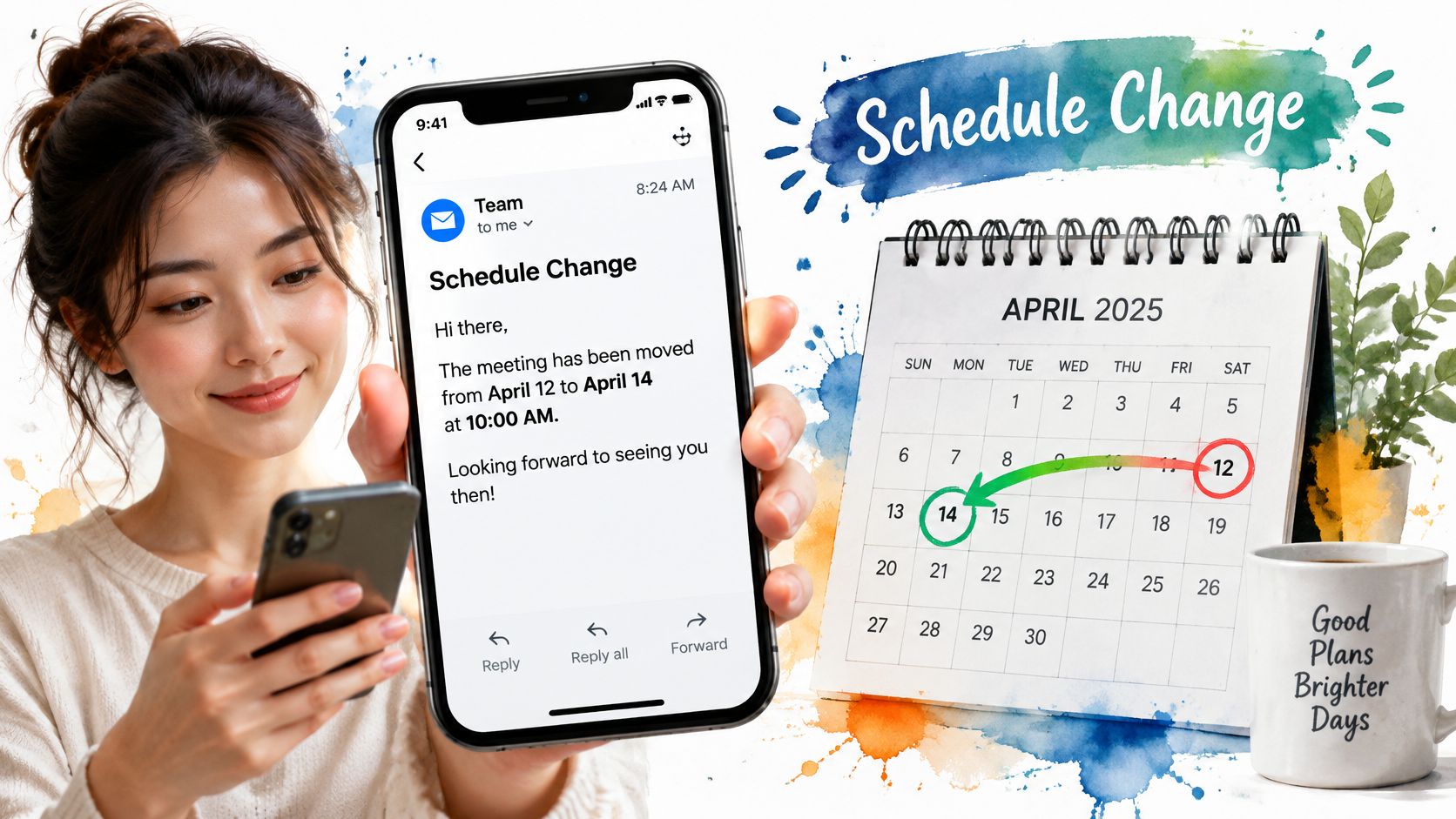
Subject pattern: CHANGED | [Activity] | [Date] | [New location or status]
Email template
Hello everyone,
Tonight's study group will meet in [new location], not [previous location]. The start time remains [time].
Please enter through [entrance]. The usual room is unavailable because of [brief, confirmed reason].
No confirmation is needed. If you know someone who may already be traveling, please contact them directly.
Replies go to the group, so please use this thread only for questions that affect attendance. For personal assistance, call [named contact].
[Coordinator]
Send the Correction, Not the Backstory
Verify the replacement location before sending. Members need the current instructions more than a detailed account of how the problem happened.
Email also needs a backup when the consequences of missing it matter. In Mailgun's State of Email Deliverability survey, 37.5% of surveyed senders identified missed important information as the biggest consequence of messages landing in spam.
- Reply setting: Group replies can expose a missing instruction quickly, but acknowledgments can obscure the correction. Explicitly say whether confirmation is necessary.
- Send timing: Send as soon as the changed details are verified. For critical same-day changes, also use phone calls or a text-message route members have agreed to.
- Delivery fallback: If someone reports nonreceipt, verify their address, check for a bounce, and ask them to inspect spam. Don't assume another identical send will solve it.
Choose the regular event template when nothing has changed. Use a phone call rather than a group announcement when the issue concerns only a particular household or attendee.
4. Volunteer Request or Sign-Up Call
A broad request for help leaves neighbors guessing. Name the task, shift, equipment, and coordinator so each person can judge the commitment before replying.
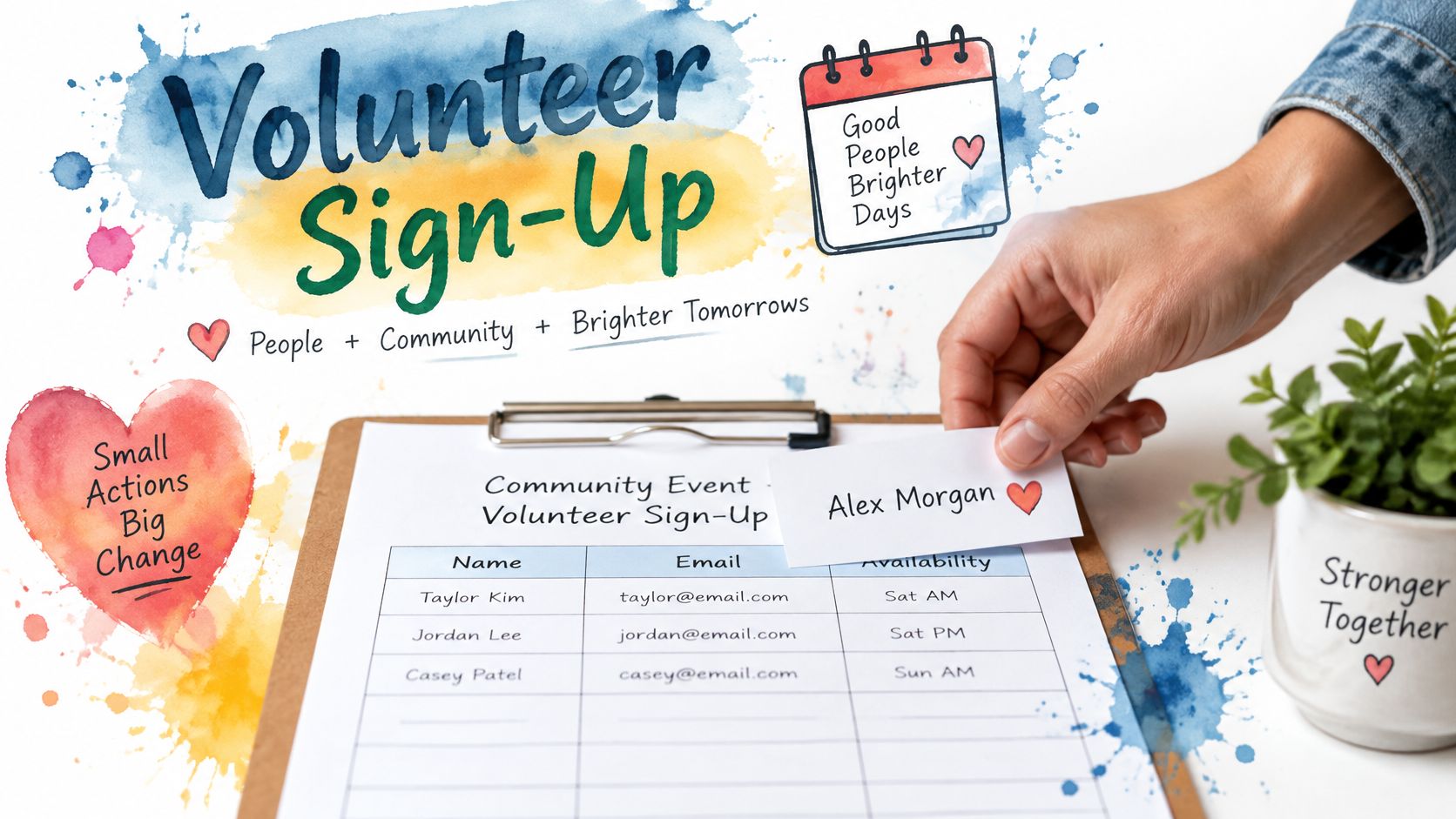
Make the Commitment Visible
Subject pattern: Volunteers needed | [Task] | [Date and time window]
Email template
Hello neighbors,
We need [number of volunteers] to help with [specific cleanup task] on [date], from [start] to [finish].
You'll be [brief description of work]. We'll provide [equipment]; please bring [personal items]. A seated check-in role is also available.
To volunteer, reply with your preferred role before [deadline]. Replies go to the group, so everyone can see which roles are claimed. If you'd rather not share your availability with the group, contact [coordinator] privately.
Please send accessibility needs, phone numbers, and other personal details directly to [coordinator].
We'll confirm assignments before the event and let everyone know when the roster is full.
Thank you, [Name]
Reply-to-group setting: Group replies make commitments visible and can prevent two people from claiming the same role. They also make availability public, so include a private response route for anyone who prefers one.
Send timing: Send once the work and equipment needs are defined, with enough time to finalize assignments. If roles remain open near the deadline, remind members which specific jobs still need volunteers.
Ask for a task someone can accept, not an open-ended promise to help.
Judge the request by confirmed assignments, not email opens. An open only shows that a message was viewed; it does not tell you whether anyone has taken a shift. Track which roles are filled, then follow up on the gaps rather than sending another general appeal.
Choose a leadership-transition announcement when someone has already accepted responsibility. Use a private recruitment message when the role involves confidential information or sensitive screening.
5. Welcome or New Member Introduction
Before introducing a new member, ask what they're comfortable sharing. Joining a club doesn't automatically mean agreeing to publish a workplace, home address, family details, or personal history.
A useful introduction gives existing members an easy way to welcome someone while showing the newcomer how group email works. Keep the biography brief and approved.
A Welcome With Reply Instructions
Subject pattern: Welcome [Name] | [Group] | [Role or shared interest]
Email template
Hello everyone,
Please welcome [name] to [club]. [Name] enjoys [approved interest] and is looking forward to [relevant group activity].
Our next gathering is [date and location]. [Name], you're welcome to join us, and [designated member] can help with arrival questions.
Replies to this email reach the whole group. A brief welcome is welcome here, but please send personal contact details directly to the person concerned.
[Name], contact [organizer] privately if you need help with membership preferences or would like an introduction changed.
Glad to have you with us, [Organizer]
- Reply setting: Group replies can make a newcomer feel included, but they can also generate an overwhelming welcome thread. Tell members what kind of response belongs on the list.
- Send timing: Send after membership and biography approval, preferably before the next relevant gathering. Don't introduce someone who hasn't agreed to join.
- Next step: Give the newcomer a named helper and a clear activity to attend, rather than a pile of documents.
A friendly introduction isn't a substitute for practical new-member onboarding. Send communication preferences and any private membership information separately.
Choose the leadership-handoff template if the person is taking over an existing office. Members then need an effective date, transferred responsibilities, and a reliable contact route, not just a biography.
For a family introduction, use the milestone format and obtain permission from the people whose news you're sharing.
6. Leadership Transition or Officer Handoff
The important part of a handoff isn't the farewell paragraph. It's making sure members know who now owns the work and that the incoming volunteer can receive and handle requests.
A family reunion coordinator needs the current planning records. An association secretary needs access to the approved contact list and records-request process. Don't announce a completed transfer while those essentials remain with the outgoing organizer.
Subject pattern: [Role] handoff | [Incoming name] | Effective [Date]
Email template
Hello everyone,
Starting [effective date], [incoming name] will serve as [role], taking over from [outgoing name].
Thank you, [outgoing name], for [specific contribution]. [Incoming name] will now coordinate [responsibilities].
Please continue sending general questions to the existing group address. Replies reach the group; send confidential records or household matters directly to [designated role contact].
The incoming coordinator has received [approved records and administrative access]. Any remaining transition questions should go to [handoff contact] before [date].
Thank you for helping keep the transition straightforward, [Name and role]
Transfer Access Before Changing the Signature
Send the announcement before the effective date when possible, leaving time to correct routing problems. Test the incoming organizer's access and a normal group reply before telling members the handoff is complete.
- Preserve continuity: Keep the established group address rather than asking everyone to memorize another personal inbox.
- Separate membership from authority: A former officer can remain a member without retaining administrative access.
- Close the handoff: Confirm records and responsibilities have transferred, then remove administrative permissions that are no longer needed.
Handoff safeguard: An announcement can name the new organizer, but only transferred access lets them do the job.
Choose a welcome announcement for a member who isn't assuming responsibility. Use a volunteer request if the position remains vacant, and state who will handle essential work in the meantime.
7. Fundraiser or Dues Reminder
A fundraiser invites support; a dues reminder communicates an existing obligation. Don't blur the distinction. Name the purpose, explain the amount or how to find the individual balance, and provide a trusted payment route.
A Clear Financial Request
Subject pattern: [Group] [dues or fundraiser] | [Purpose] | Due [Deadline]
Email template
Hello members,
[Annual dues are due / We're inviting contributions for the table-replacement project] by [deadline].
The funds cover [brief budget summary]. [State the approved dues amount or fundraising target, as applicable.]
Please use [established payment method] or contact [treasurer] for an offline payment option. If you've already paid, thank you; no group reply is needed.
Please don't reply to the group with payment confirmations, balances, or financial circumstances. Send those questions privately to [treasurer's established contact].
We'll share a general progress update without listing individual contributions.
Thank you, [Name and role]
Route financial replies privately, even if your regular list sends replies to everyone. Explain that setting in the message instead of assuming members will inspect the recipient field.
Send the initial request when the purpose, payment method, and deadline are settled. Send a concise reminder near the deadline, excluding confirmed payers when your records allow; the guide to writing a reminder email offers wording for that follow-up.
For a voluntary appeal, sample donation letter templates can help explain the project without making the message sound like an overdue bill.
Use video as optional supporting material, never as the only place members can find payment instructions.
Avoid bank account numbers, card details, and personal balances in the group message. If payment instructions change, tell members to verify them through an established contact.
Choose a private reminder for an individual unpaid balance. Choose the event template when attendance, rather than a financial contribution, is the main request.
8. Family News or Milestone Update
Family announcements need warmth, but warmth doesn't replace permission. Ask before sharing someone else's birth announcement, graduation plans, move, bereavement, or photograph.
Keep sensitive details out of the group message. Relatives can receive the same practical information without receiving medical history, a child's daily schedule, or an explanation of a private family situation.
A Warm Update With Clear Boundaries
Subject pattern: Family update | [Milestone or gathering] | [Relevant date]
Email template
Hello everyone,
With [person's] permission, I'm sharing that [brief milestone announcement]. They'd love you to know [approved detail].
For anyone joining the celebration, we'll gather at [location] on [date and time]. Please tell [coordinator] privately whether you plan to attend.
Replies to this message reach everyone on the family list. General good wishes are welcome, but please keep personal questions and travel details in direct messages.
If email is awkward for you, call [family coordinator] for the same information. Please ask before forwarding the announcement or sharing photographs elsewhere.
With love, [Name]
Send when the person concerned is ready, not when the family coordinator happens to finish the draft. For a memorial, verify the venue, service arrangements, and family's wishes before circulating practical details.
Group replies let relatives share congratulations or memories together. They can also reveal information the original sender deliberately left out, so state the privacy boundary plainly.
Accessibility matters here. The Unspam 2025 Email Deliverability Benchmark Report found that 83% of analyzed emails met basic accessibility standards, but only 26% met HTML best-practice standards.
Use readable text, meaningful headings, and essential details outside images. A flyer can supplement the announcement, but it shouldn't replace written directions or a phone alternative.
Choose the event template when you mainly need reunion attendance confirmations. Use a personal phone call for sensitive news that shouldn't arrive as a group bulletin.
How the eight announcement email types compare by audience, timing, and purpose
| Item | Best For | Ideal Timing | Key Strength | |---|---|---|---| | Meeting or Event Announcement | HOA boards, faith communities, and hobby clubs | Before a scheduled meeting or event | Puts essential logistics and next steps up front | | Monthly or Periodic Community Update | Neighborhood associations, social clubs, and volunteer groups | On a consistent recurring schedule | Combines multiple updates in one message | | Urgent Notice or Schedule Change | Groups communicating last-minute changes | As soon as a change is confirmed | Makes important changes quick to understand and act on | | Volunteer Request or Sign-Up Call | Community volunteers, faith coordinators, and HOA committees | When help is needed for a specific task | Makes roles and sign-up steps clear | | Welcome or New Member Introduction | Clubs, congregations, and HOA boards | When someone joins or takes on a role | Helps new members feel included and understand group communication | | Leadership Transition or Officer Handoff | HOA boards, congregations, and groups with volunteer turnover | Before or when a leadership change takes effect | Clarifies contacts and supports continuity | | Fundraiser or Dues Reminder | HOA boards, faith communities, and clubs collecting funds | Before a payment or fundraising deadline | Builds trust through clear purpose and payment details | | Family News or Milestone Update | Family coordinators managing extended-family updates and reunions | When there is family news or a milestone to share | Keeps relatives connected through one personal update |
Choose the Template, Then Send It to the Right Address
Match the announcement to the audience, the action, and the urgency. If members need to attend, use an event notice. If they need to change plans, use a correction. If they need to accept a job, make the request specific enough to answer without another conversation.
Don't make every message urgent. Members should be able to recognize a genuine cancellation without opening a routine update, and they shouldn't have to search a digest for instructions that affect today's plans. Keep routine news predictable and changed instructions unmistakable.
Decide Where the Response Belongs
A shared group address gives members a consistent place to write, but group visibility isn't appropriate for every answer. Questions about an event entrance can help everyone; payment difficulties, medical needs, and household disputes belong in private messages.
- Use group replies for shared coordination: Agenda questions, volunteer commitments, and general clarifications can stay visible.
- Use private replies for personal information: Name the recipient explicitly and remind members when ordinary Reply reaches everyone.
- Use another channel when consequences warrant it: Critical same-day changes need direct contact with people who may not check email before traveling.
Before sending, check the message in your usual email client and on a phone. Confirm that the date, location, deadline, and next action remain understandable without images, attachments, or a web form. Verify consent, remove unnecessary links, and include a clear way to stop receiving group mail.
An email announcement also doesn't need to do every job. After a reunion or community gathering, an optional service for AI event photo sharing can sit alongside the announcement workflow, but attendance instructions and privacy expectations should remain available in the email itself.
Keep the Address Through the Handoff
A shared address helps preserve continuity when a volunteer steps down. Members shouldn't lose their contact route because the secretary moves, the club president changes, or a cousin takes over reunion planning. Transfer administrative access and records as deliberately as you transfer the role.
Listava offers a private group list that takes about thirty seconds to create, with consenting members added by CC and no member accounts required. The group address stays available independently of an organizer's personal inbox, so the next volunteer can continue the established communication route.
Choose the template before drafting, then check the reply behavior before sending. That combination gives members clear instructions and gives the organizer fewer avoidable follow-up messages.
Give your next announcement a consistent home with a private group email address from Listava. Members receive and reply through their existing inboxes without creating accounts, so you can use the right template without asking everyone to learn another app.