Group Email List: How It Works and When to Use One
A group email list is one address for the whole group. Compare CC, BCC and reply-to-group, then see how to keep privacy and delivery.
Say you're the neighbor who agreed to send one quick note about Thursday's water shutoff. You paste forty addresses into a message, hit send before dinner, and wake up to a pile of replies about parking, lost cats, and why everyone can now see everyone else's email. Two people never saw the shutoff time at all. That's usually the moment an organizer stops asking how to send a group email and starts asking whether the group needs a different way to talk.
Table of Contents
- What a Group Email List Actually Does
- CC, BCC and a Shared List Side by Side
- How Reply to Group Delivery Works
- Organizer Problems and the Fix for Each
- Groups That Outgrow a Spreadsheet
- Privacy, Accessibility and Missed Messages
- Start a List Without Becoming the IT Person
What a Group Email List Actually Does
Say a volunteer named Dana runs that shutoff thread for her building. She CCs the whole roster because it's the only address book she has. One neighbor replies with thanks, three hit Reply All to add their own thanks, and someone asks to be removed, also to everyone. By morning the actual shutoff window is buried under polite noise, and a resident who joined last month is asking why strangers have her personal address.
A group email list is one shared address that delivers each allowed message to every consented member, and on a discussion list, sends replies back to that same address instead of only to the last writer.
That's different from a personal contact group saved in one Gmail or Outlook account. A contact group still sends from Dana's inbox, still shows what Dana's settings show, and it effectively disappears if Dana moves, changes jobs, or loses her login. The shared address belongs to the group. Members write to it, receive their own copies, and don't need to know who else is on the roster to take part.
An old pattern that still fits mixed groups
This isn't a workaround invented for the app era. Early ARPANET lists were maintained by hand until Eric Thomas developed Revised LISTSERV in 1986 to automate adding and removing subscribers, a history traced in the EmailToolTester history of email usage. The pattern then spread widely. By 1988, approximately 1,000 public LISTSERV lists existed, and the one-address-to-many model kept scaling from there.
It still fits in 2026 for a plain reason. Your members already check Gmail, Outlook, Yahoo, or Hotmail. They won't install another app, create another password, or learn a dashboard just to learn when the pool gate code changes. A comparison of the options, the delivery path behind a reply, the failures organizers encounter, and a setup that needs no IT department all follow from that one practical fact.
CC, BCC and a Shared List Side by Side
| Method | Who sees addresses | Replies go to | Thread stays intact | Best when | |---|---|---|---|---| | CC the whole group | Every recipient on the message | Everyone if someone hits Reply All | Yes, until the thread floods | Under about 10 people who already trust each other | | BCC the roster | Only the sender | Only the original sender | No, replies fragment | A one-time announcement with no discussion | | Shared group email address | The list address, not personal inboxes | The whole list | Yes | Ongoing HOAs, clubs, faith groups and families | | Google Groups | Set by group privacy settings | The group when posting is enabled | Yes, inside Google | Members willing to use Google accounts | | Facebook group | Profiles, not email addresses | The Facebook thread | Only inside Facebook | People who already check that group daily |
Start with CC. Say eight cousins are picking a restaurant for Saturday. They already have each other's addresses, nobody minds a short Reply All chain, and the thread dies by the weekend. CC is fine there. It stops being fine when the roster grows, when members barely know each other, or when one thank-you turns into thirty messages that bury the one detail people needed.
BCC solves the exposure problem and creates a conversation problem. Say a club president BCCs sixty members about a room change. Addresses stay hidden, which is good. Then a member replies with a useful correction, and only the president sees it. The other fifty-nine people still drive to the wrong room or ask the same question one by one. BCC fits a one-way announcement. It doesn't fit a group that needs to talk.
When the shared address earns its keep
A shared group address is built for the ongoing case. Addresses stay hidden, replies have one stable home, and the thread stays whole for a board, a book club, or an extended family that will still be writing next year. The organizer isn't retyping a roster from memory each time, and a new member doesn't need to be added to everyone's personal contacts before she can join in.
Google Groups can do similar work when your members are comfortable with Google accounts and someone is willing to manage its settings. A Facebook group keeps talk in one feed for people who already open Facebook daily, but it shuts out anyone who doesn't, and it isn't an email record your next organizer can search from an inbox. Plenty of our own articles say plainly when CC, BCC, Google Groups, or a Facebook group is good enough, because sometimes it is.
Honest cutoff: If the job is a single blast or a handful of close contacts, don't build a list.
Circle the row that matches your real need. If you need hidden addresses plus a lasting thread, you're describing a shared list. If you need only one-way delivery once, BCC already does the job.
How Reply to Group Delivery Works
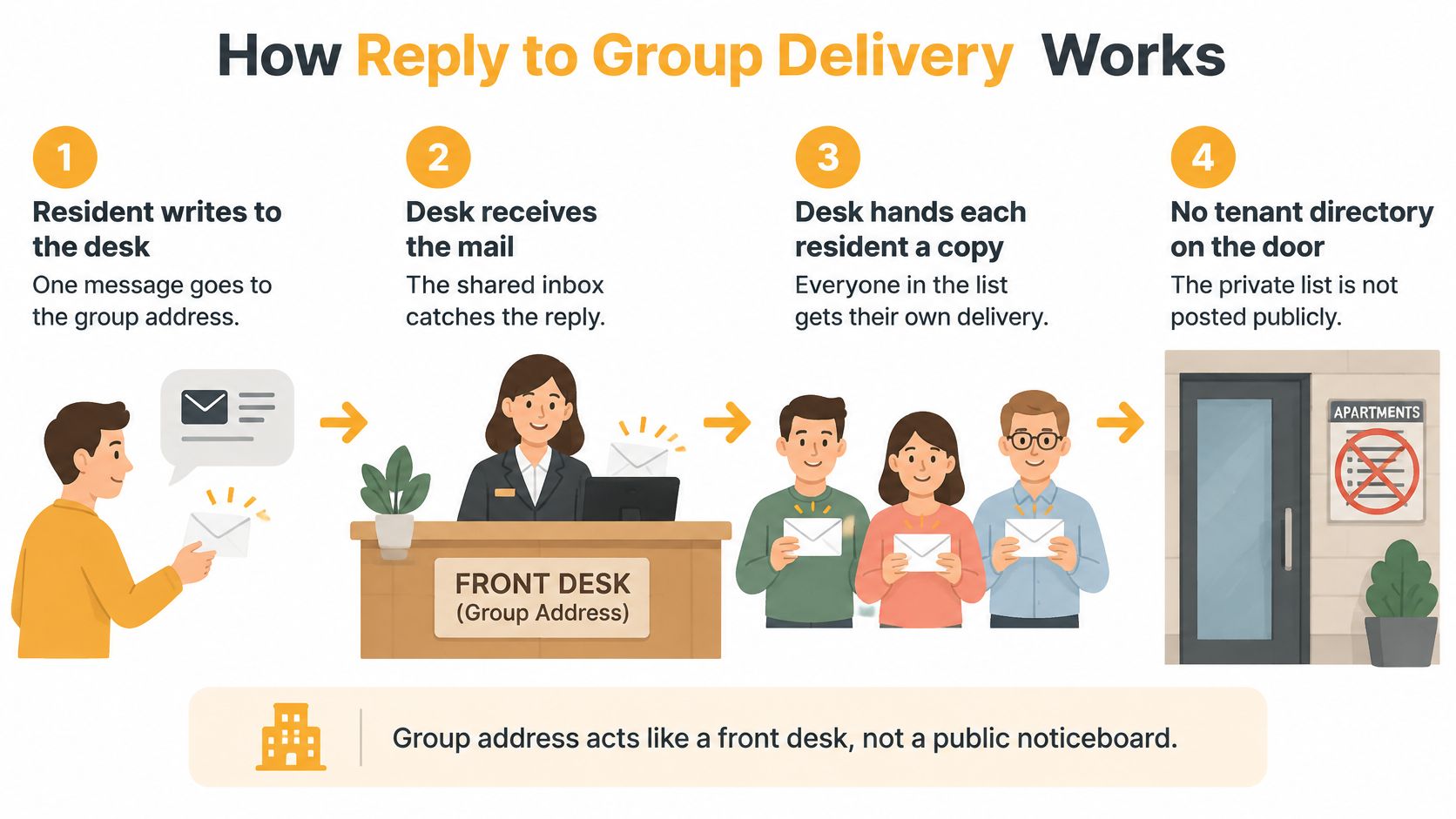
A neighborhood board sends a meeting update to one shared address. Each member receives a copy in their usual inbox, while their personal email addresses stay hidden from the other recipients. A reply to the list reaches the whole group, keeping the discussion together rather than scattering it across private side conversations.
The five steps a message takes
- A member writes once. They send a message to the group's single address from the email inbox they already use.
- The group address distributes the message. Members write once to the group address, and the list delivers that message to everyone in the group.
- Each member receives a copy. The message arrives in members' existing Gmail, Outlook, Yahoo, or Hotmail inboxes. They do not need a new account or app.
- A reply goes back to the group. Replying to the list sends the answer to everyone, keeping a thread of emails in one conversation instead of splitting it into side chats.
- Private conversations remain private. A member can still write directly to another person about an individual matter. Group delivery happens when someone chooses the shared address.
The group receives messages only with members' explicit consent. Its organizer can explain who runs the list and that replies reach everyone, so new members know what to expect. A shared address also keeps personal email addresses from being shown to the group.
The list remains available if a board president moves away because it does not live in anyone's inbox. The board can maintain the list rather than rebuilding the roster from one person's Sent folder. For an initial import, check the spreadsheet for formatting problems, duplicates, and invalid addresses before sending. An address error can leave a member without an update, even when the message reaches everyone else.
Why delivery checks belong in setup
A message can be sent without reaching every inbox. Check the practical signs of delivery as part of setup: use one consistent sender identity, read bounce notices, and ask members using different email providers whether the welcome message reached their inbox or spam folder.
Email authentication also affects delivery. SPF identifies which servers may send for a domain. The AutoSPF guide to SPF compliance explains that SPF has a hard limit of 10 DNS-lookup-triggering mechanisms. Forwarding through a list can cause SPF to fail because the receiving provider sees the list server rather than the original sender's server. DKIM adds a signature that may survive forwarding when the message is not rewritten. DMARC tells providers whether to monitor, quarantine, or reject mail that does not align.
You do not need to edit these records from Gmail. Check bounces and confirm the welcome message arrives, then make sure the messages members receive are readable. A shared address works best when the organizer can see delivery problems, confirm consent, and send messages the whole group can read.
Organizer Problems and the Fix for Each
The send looked successful because the button worked. Then half the group missed the meeting. That's the pattern behind most organizer complaints, including messages going to spam, a neighbor missing a meeting notice, and addresses copied by hand from a spreadsheet.
| Problem | What members experience | Fix | |---|---|---| | CC and Reply All | A flood of thanks, arguments and remove-me notes | Move discussion to one list address with group replies | | BCC for a conversation | Answers reach only the sender | Use a stable reply-to-group address | | Hand-copied spreadsheet | Bounces and people who never hear news | Import once, then add and remove with a record | | Spam or junk folder | A meeting notice that seems never to have been sent | Keep one sender identity, ask members to mark it safe, read bounces | | List lives in one inbox | The roster disappears when that person leaves | Keep the list outside any single mailbox | | Addresses visible to all | A privacy complaint or a copied roster | Stop CC and hide member addresses from the group |
Say a treasurer CCs the roster to ask about dues. The first reply is a thank-you, the fifth is an argument about landscaping, and the twelfth is a remove-me demand sent to everyone. The problem isn't rude neighbors. It's that the header handed everyone a public roster and one big Reply All button.
The exposure can do real harm beyond annoyance. The Office of the Australian Information Commissioner's notifiable data breaches report for July to December 2024 recorded 13 Australian data-breach notifications in 2024 that involved failure to use BCC when sending email, affecting a median of 47 individuals per breach. Your club probably won't face a regulator over a potluck note, but a copied roster in the wrong hands is still a breach of trust your members didn't agree to.
Fixes that fit a volunteer, not an IT staff
- Stop putting the roster in the header. One group target for replies ends both the exposure and most Reply All pile-ups, which is the core of sound distribution list management.
- Import once, then log changes. People move and change addresses. A record of every add and remove beats three spreadsheet copies named final, newer, and final-really.
- Confirm each new member. A welcome message proves the address works and tells the person she joined something, with consent she can remember giving.
- Read bounce notices. A bounce is a member you aren't reaching. Silence from everyone else tells you nothing about her.
- Put a clear way to leave on every message. Every email sent through our service must include clear unsubscribe instructions. Never use the list for ads or mail people didn't ask for, since users may not send spam, unsolicited emails, or bulk commercial messages through it.
Silence isn't proof anyone was reached.
End every important send with the same small test. Check the bounces, then ask two members to confirm receipt. If neither can find it, you haven't sent an announcement. You've sent a hope.
Groups That Outgrow a Spreadsheet
Say you're the HOA board member neighbors text about the pool-gate code and the water shutoff. People happily share neighborhood news, but many won't hand a personal address to a hundred near-strangers. Your CC list also has to survive the next election, when you're no longer the person holding it. That's the moment a personal roster stops fitting, however carefully you maintain it.
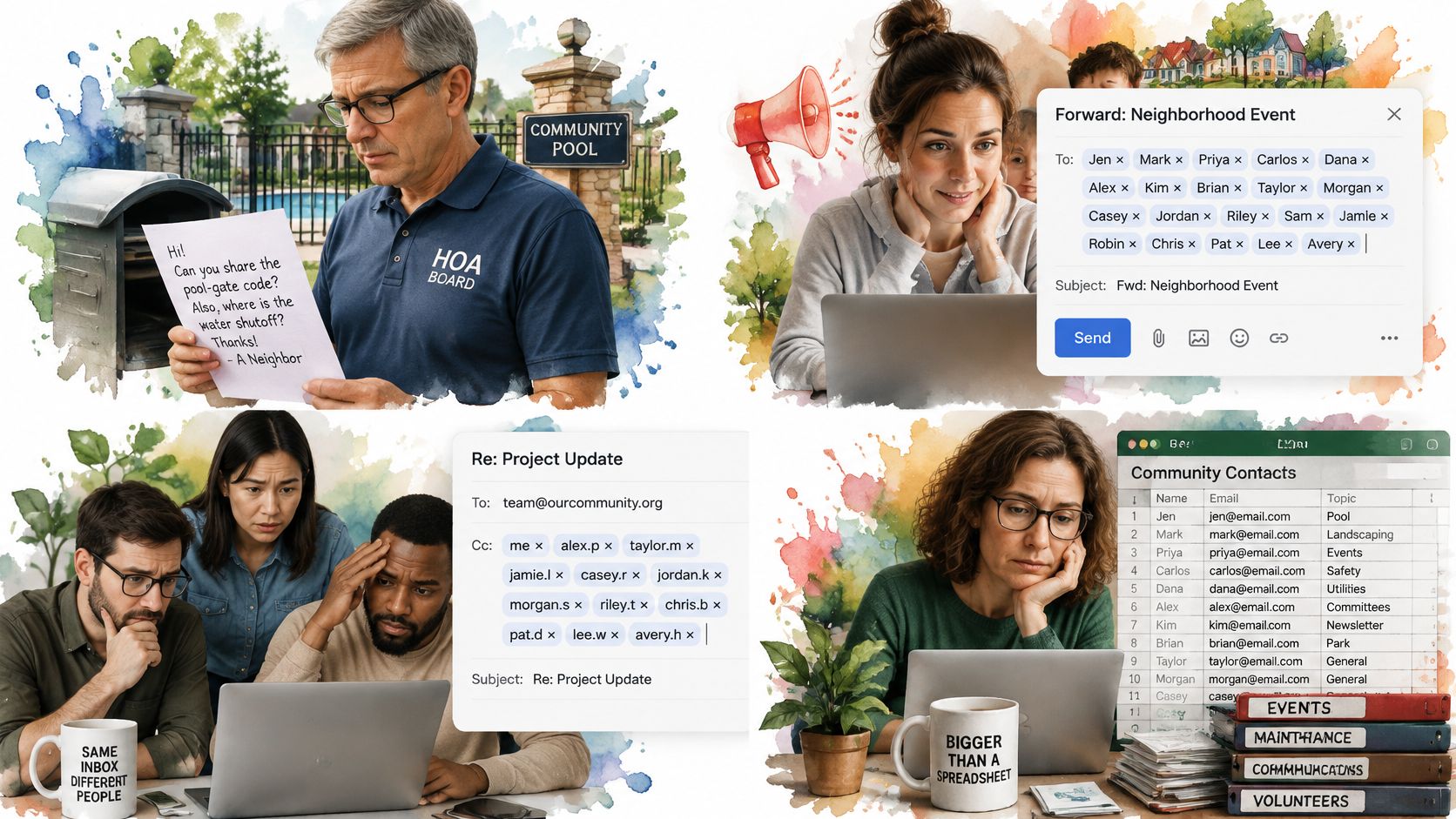
A book club hits a different wall. Say a dozen readers are arguing about next month's pick, whose house hosts, and who's bringing dessert. The thread itself is the point of the group. A BCC blast from the organizer kills that back and forth, because every good suggestion lands in one inbox and dies there.
A congregation coordinator faces a skills problem instead. She writes to people who trust email and use it well. They aren't going to learn a new social app for the potluck sign-up or the choir schedule. Meeting them in the inbox they already open each morning isn't a compromise. It's the whole strategy.
Then there's the adult child who's been the family switchboard for years. Every holiday note means retyping the same cousins, checking who changed providers, and forwarding photos to whoever got left off. Nobody appointed her. The job just stuck because her contact list was the most complete one.
Where this pattern came from
Our own starting point was a scene like these. A father-in-law volunteered to run his neighborhood HOA email list from a Gmail account, messages drifted toward spam, and rebuilding the roster by hand kept showing the same lesson. The list shouldn't belong to one inbox. Watching those problems is what led founder Miles Adler to build a service around a shared address instead.
Some groups should not switch. A one-off yard sale needs one BCC note, not infrastructure. A group already chatting daily in an app everyone opens doesn't need a second home. Fewer than about ten close friends can stay on CC and survive it. If your scene is an ongoing group with mixed technical skills, though, the shared address is the fit.
Privacy, Accessibility and Missed Messages
A shared address doesn't automatically improve reliability. It can do the opposite. If one announcement gets filtered, it can miss every member at once, which means the organizer has to watch delivery more closely, not less.
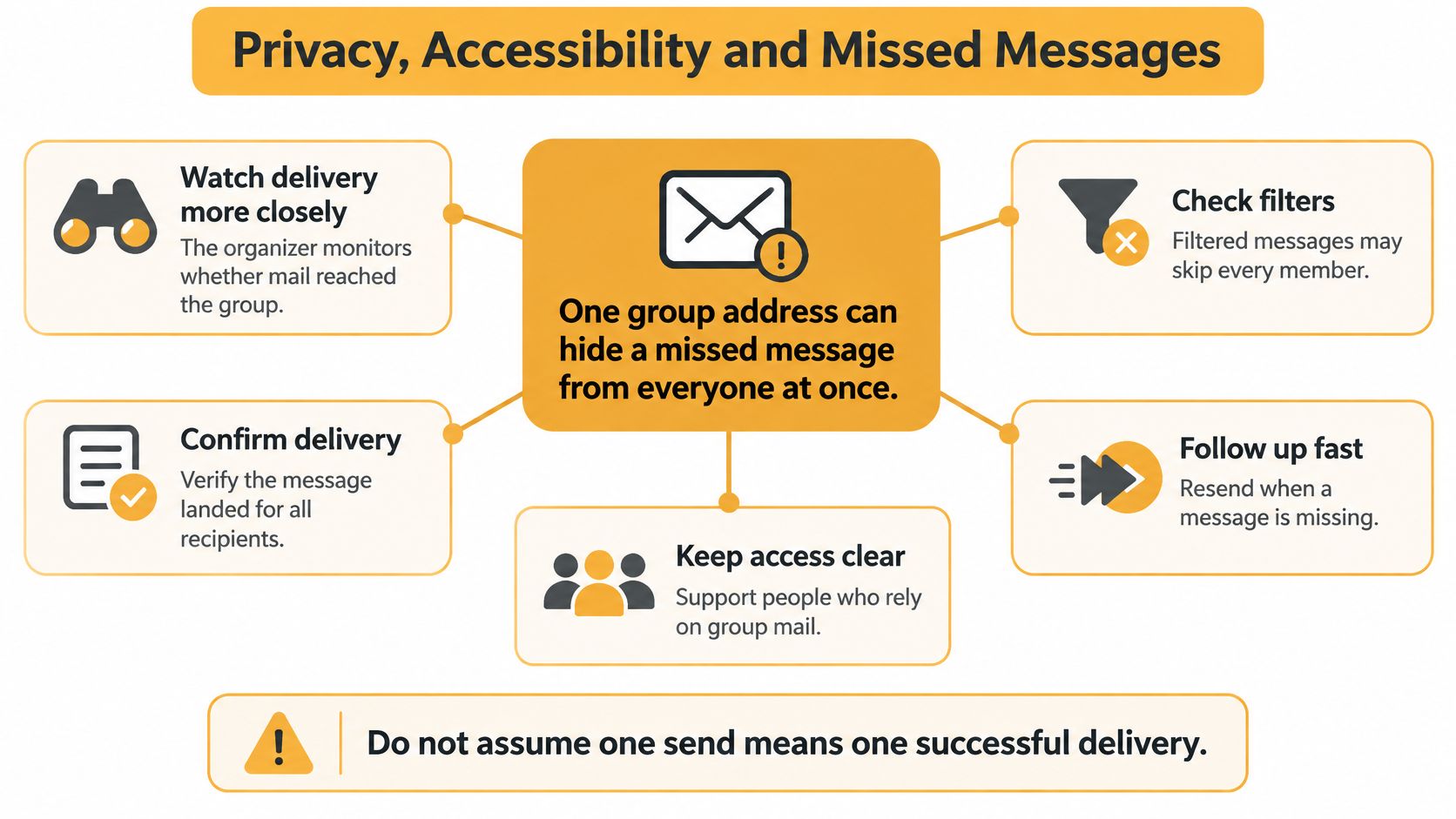
The checks you can see are modest and useful. Watch bounce reports after each send, and keep a rough count of members who confirm receipt on important notices. If bounces cluster at one provider, that's a delivery problem to raise, not a group of neighbors suddenly ignoring you. Following up fast with a resend or a phone call beats discovering the gap at an empty meeting.
Privacy is more than hidden addresses
Hiding addresses is only part of the promise. Members should know who controls the list, why their address is kept, how to leave, and whether a reply reaches the whole group. We collect users' and list members' email addresses, list names and descriptions, and messages sent through the service, and members' emails are never shared or sold. Say things that plainly to your own group, in the welcome note, where people can find it later.
Pair each privacy promise with a readability habit and the promise becomes usable. Plain join and leave language helps someone exercise control over her address. High-contrast templates, real subject lines, and text written as text instead of baked into images help members with low vision or assistive tools, which is the practical heart of email accessibility guidelines. A phone or paper path for updates helps the member who can read email fine but can't wrestle a spreadsheet.
The broader numbers show why good intentions aren't enough. The Unspam Email 2025 Email Deliverability Benchmark Report found that 83% of emails met basic accessibility standards, only 49% complied with GDPR, and just 3% met all CAN-SPAM requirements. The same benchmark context notes the European Accessibility Act took effect on June 28, 2025, adding regulatory weight for accessible digital communication in the EU.
Email-only can be inclusive for people who already use email. It isn't accessible by default. Usability depends on message design, your consent workflow, and transparent privacy controls, all of which sit in your hands as the organizer.
Start a List Without Becoming the IT Person
The decision takes two sentences. If your group is ongoing, mixed in technical skill, and must not expose addresses, create one shared list this week. If it's a single announcement or a handful of people who already share addresses, stay with BCC or CC and write that choice down where the next organizer can find it.
For the shared-list path, Listava is an email-only option built for exactly this job. Members keep using their own inbox with no account or app, creating a group takes about thirty seconds, and members are added by CC'ing them. A free account lets you own one active list at a time, which covers most single-group organizers.
Your first week, in order
- Name the address for the group, not yourself, so it still makes sense after the next election or family reshuffle.
- Add only people who agreed, even if that means a short round of asking first.
- Send a brief welcome saying who runs the list, that replies go to everyone, and how to leave.
- Ask two members on different providers, such as Gmail and Outlook, to confirm the note wasn't sitting in spam.
- Give a second organizer the ability to add and remove people, so the list survives your vacation, your move, or your resignation.
One family organizer put the payoff plainly. "I've been trying to organize our family emails for years. Listava solved it in 5 minutes. It's like magic." That's Margaret, 73, keeping 28 family members connected. Your result doesn't need magic. It needs one address, consent, and a delivery check.
The tool stays optional when a smaller method already works. Choose the smallest setup that protects addresses, keeps the thread you need, and lets you prove the message arrived.
If your neighborhood, club, congregation, or family has outgrown the CC roster living in your inbox, Listava gives you one shared group email address that reaches every member in the inbox they already use, with no accounts or apps for them to learn. Set up your list, send the welcome note, and check that it landed, then write to your whole group with one address from here on.