Holiday Eblast Template: 10 Options Compared for 2026
Compare 10 holiday eblast template options with copy snippets, layout tips, accessibility notes, and privacy tips for volunteer organizers.
The treasurer is still at the kitchen table at 11 p.m., pasting sixty addresses into the CC line of a holiday closure notice. The dates are right. The tone is polite. Then a neighbor hits reply all, half the block sees every personal address, and the person who usually sends this is gone until January.
The design is rarely what breaks the send. The questions that matter are who sends it, who can reply, and whether the list still exists after the next board election. A snowflake header does not hide addresses, and it does not tell the incoming secretary where the file lives.
This roundup compares ten sources for a holiday eblast template from a volunteer group's seat. Retail roundups score campaigns and conversions. Here the tests are recipient privacy, reply behavior, type large enough for older readers, and whether someone other than the original sender can maintain the list. Expect layout notes, short copy patterns, and accessibility checks.
Holiday inboxes are already loud. Optimove's 2025 survey of 345 U.S. consumers found that 55% preferred email for holiday offers. Preference is not a quiet inbox. Sinch's 2024 holiday data showed volume up 33% on Black Friday and another 33% on Cyber Monday. A club notice has to be obvious in that pile, or people skip it.
Table of Contents
- 1. Canva, Holiday newsletter templates
- 2. Campaign Monitor, Holiday email templates
- 3. Mailchimp, Email templates
- 4. MailerLite, Holiday email newsletter templates
- 5. Stripo, Holiday email templates
- 6. Beefree, Email templates
- 7. Mailpro, Holiday and vacation email templates
- 8. HubSpot, 15 holiday email templates
- 9. Mailjet, Holiday email marketing templates
- 10. Omnisend, Holiday newsletter templates
- Holiday Eblast Template Tools at a Glance
- Choose the Holiday Eblast Template Your Group Can Maintain
1. Canva, Holiday newsletter templates
Canva's holiday newsletter templates are a fast way to make a greeting look finished. Christmas layouts, classroom notes, travel cards, and a blank canvas all sit in the same editor. Drag in a potluck photo, a service time, and a parking reminder, then preview on phone and desktop before you export HTML or hand the file to Gmail or Mailchimp.
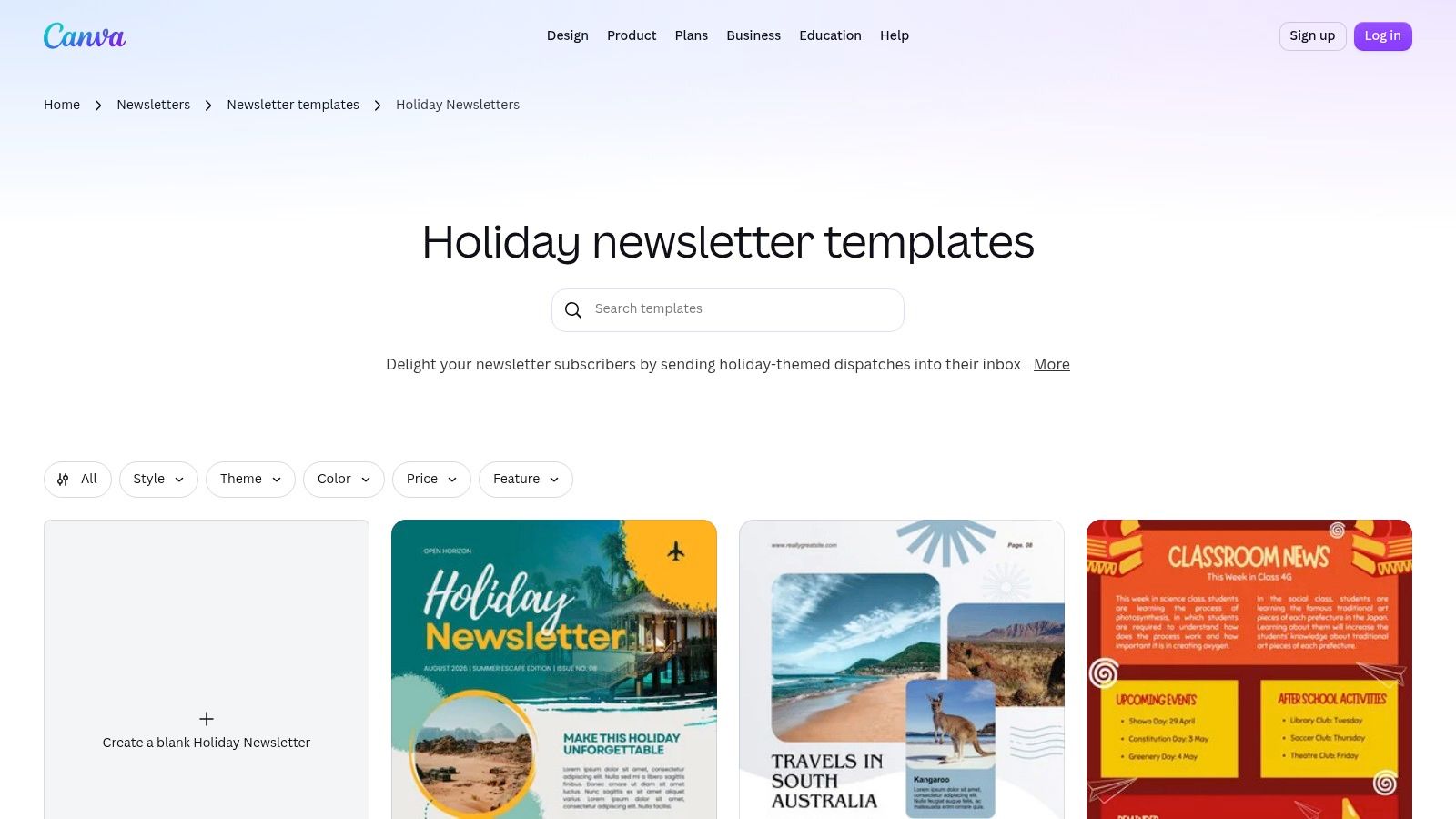
That split is the trade-off. Canva designs. It does not own your member list. The next treasurer still needs the sending tool, the login, and a copy of who is on the list. A free plan covers a lot of community styles, and some illustrations and fonts sit behind the paid tier. A handoff breaks the day the new editor opens the file and hits a locked element.
Replies are the other gap. Canva hands you a finished design, nothing more. The address the notice goes out from, and the inbox where replies land, live in whatever tool you attach later. Pick that tool before you polish the art.
What older readers actually see
Festive type often shrinks once it lands in a phone mail app. Many readers also run dark themes on their phones, and pale gold script over a snowflake photo can wash out or invert badly when the app redraws it. Keep one column, body text at 16 points or larger, and a heading that still reads in black and white. If the greeting only works in full color, it does not work.
Practical rule: Export a plain-text twin with the date, place, and reply address written out. If images are blocked, the notice still works.
2. Campaign Monitor, Holiday email templates
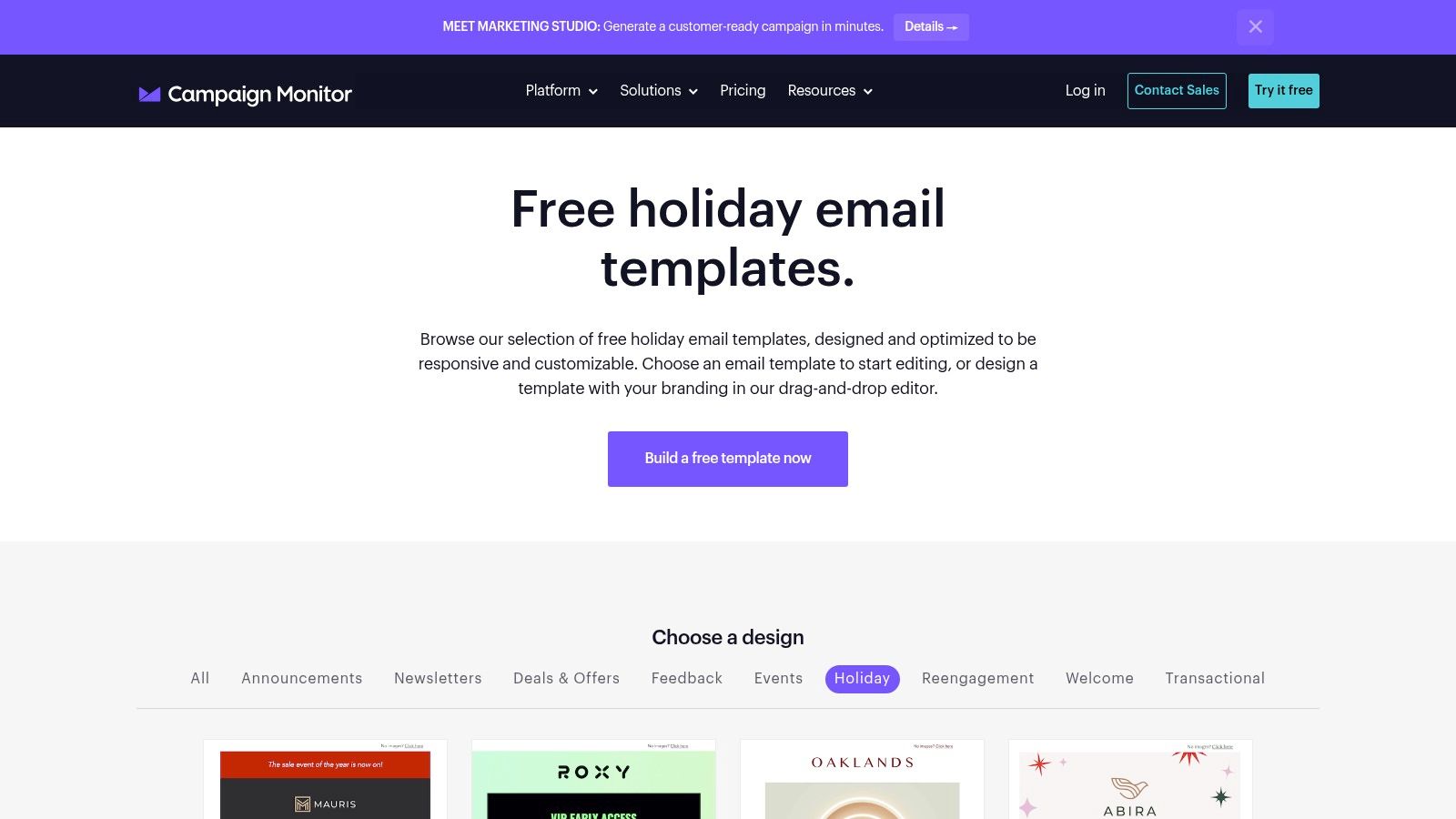
Campaign Monitor's holiday email templates are built to send, not just to look pretty. Holiday Wishes, Happy Hanukkah, Giving Tuesday, year-in-review, and donation layouts are responsive and editable in a drag-and-drop builder. Brand colors stick across versions, which helps when December means a greeting, a closure note, and a donation ask.
The catch for a neighborhood list is the platform itself. You are running a marketing account, not a shared inbox. Retail layouts need rewriting before they sound like a club. If nobody else knows the login, the template dies with the volunteer who built it.
During the 2023 Cyber 10, brands sent nearly 24% more campaigns than their January-through-October baseline, opens rose 5.4%, and conversion moved only from 0.07% to 0.09%, per Campaign Monitor's holiday figures. More mail does not mean more action. One job per message still wins. If you are unsure whether this notice is really an email blast, write the purpose in the first line before you touch the art.
- Sender line: Use a role address such as
board@, not a personal Gmail, so replies survive a resignation. - One action: RSVP, donate, or read the hours. Not all three.
- Reply path: Say whether a reply reaches a person or the whole list.
3. Mailchimp, Email templates
If the congregation already lives in Mailchimp, stay there for the holiday note. Mailchimp email templates let you theme a layout, preview it, and send to an audience you already hold. Recurring newsletters and a New Year service announcement can share the same skeleton.
I have seen a free account run out of room the week of the pageant. Contact caps, send caps, and which templates you can open all move with the plan. A one-off greeting can take longer to set up than the greeting is worth. Someone has to be the account owner, and that person should not be the only one with the password.
Privacy on a member list comes down to three settings. Send to a saved audience or segment, never by pasting member addresses into a CC field. Recipients get a normal addressed send, not a visible list of every neighbor on it. Set the reply-to to a role address such as board@, so replies survive whoever holds the login this December.
The audience export is the asset that matters most. Decide who can download it and where the account password lives before you send. If the volunteer who built the list walks, the layout and the contacts should stay behind.
4. MailerLite, Holiday email newsletter templates
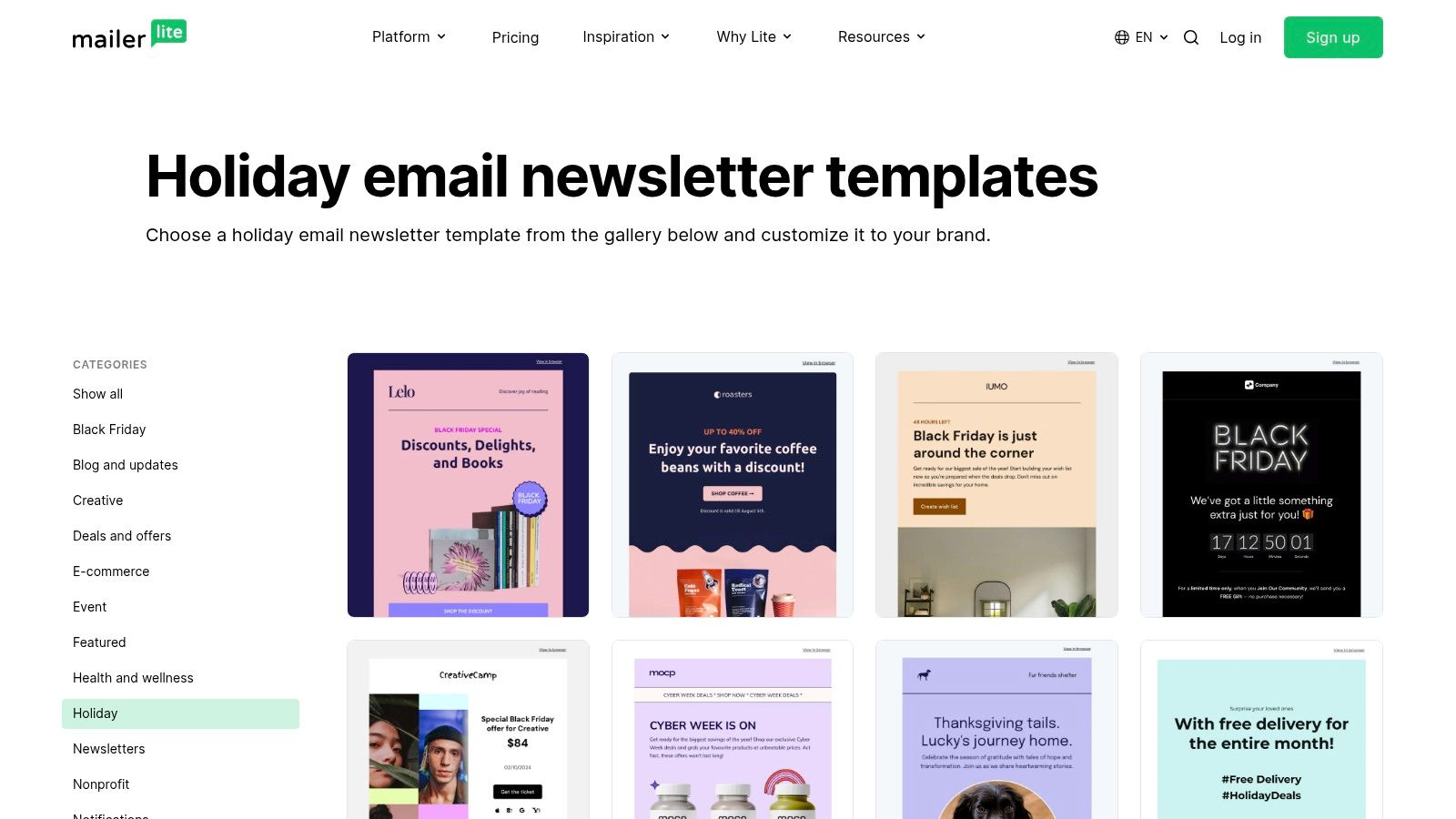
MailerLite's holiday newsletter templates cover Thanksgiving, New Year, Labor Day, and Black Friday, and the same account can run signup forms and simple automation. That fits a club that already sends a monthly note and wants December to look related. You build in a drag-and-drop editor, a rich-text editor that reads like a plain letter, or your own HTML. For a membership where half the readers are over 60, I start in the rich-text editor. Holiday layouts tend toward small pale type on busy backgrounds, so enlarge the font and darken the text before you send.
A free plan exists. What it covers and which templates it opens are listed on MailerLite's pricing page, and those terms change, so check the current tiers before you promise the board a finished look.
Personalization hurts volunteer lists. Litmus reports that 16% of email marketers call personalization at scale a major operational problem, while 97% use at least one interactive element. Your spreadsheet will have blank names and old preferences. Write the fallback before the merge tag.
Copy that still works with no name
Subject: Building closed Dec 24–26
Hello neighbors,
The clubhouse is closed December 24 through 26. Trash pickup moves to Monday. Questions go to [email protected], not to the whole list.
That is enough. If you need a fuller structure, these newsletter writing steps keep the rest of the year in the same voice. Give a second officer export rights on the account before the holidays. If the sender is the only one who can pull the list, the group loses the list when that person steps down.
5. Stripo, Holiday email templates
Stripo's holiday templates are for people who design in one place and send from another. Greetings, offers, and seasonal campaigns become HTML, then export to several email services or download as a file. Modules can be reused, so the header your group approved in November does not get redrawn for a January delay.
A free plan lets you try the editor. Export and storage limits get tight fast. Plenty of holiday designs assume a sale. A small group can also get lost moving HTML between tools. If the only tech person is the teenager home for break, pick a simpler sender.
- Portable file: Save the HTML and a screenshot in the shared drive, not only inside Stripo.
- Readable links: "Read the December hours" beats "Click here."
- Blocked images: The first two lines must state the news without the banner.
- Who replies: Put a named role in the footer before you export.
Stripo will not manage who may see whose address. That decision stays in the sending tool. Test the import with one officer before you trust it on Christmas Eve.
6. Beefree, Email templates
Beefree is a no-code builder that exports toward Gmail or a separate email service. For an organizer whose holiday mail already leaves from a familiar inbox, a Gmail draft is the least new software on this list. The template catalog includes occasion layouts, and the editor lets you set preheader text before a test send.
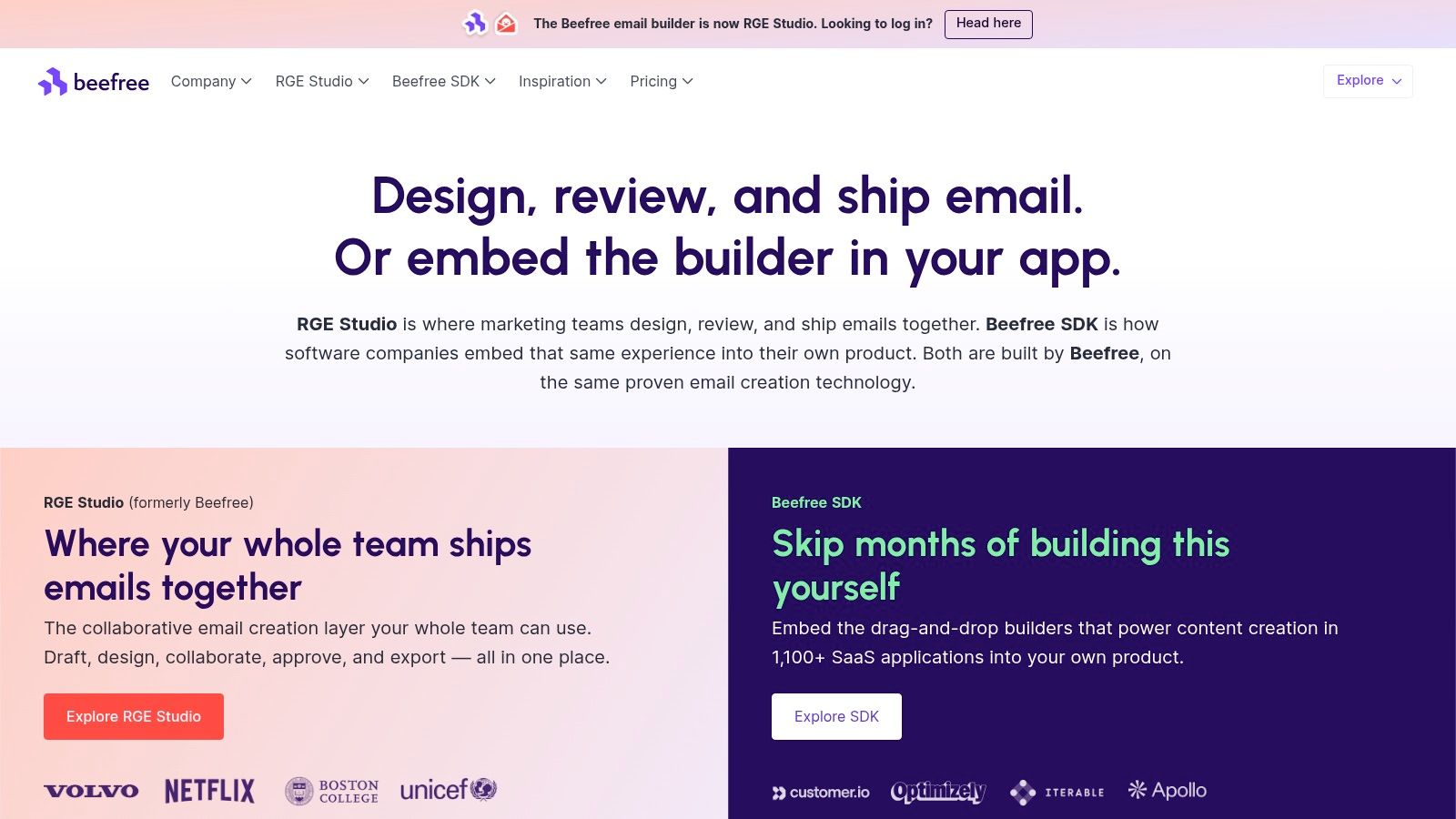
Beefree describes its layouts as mobile-responsive. Check the phone preview anyway, because Gmail can strip pieces of responsive code on import. A single-column layout survives that trip better than a two-column card, and it is the easier read for members on small screens.
The design file is only half the job. Beefree does not store your member list, send the blast, or collect replies. All three happen in whatever account you export to, so address visibility and who answers the replies get decided in that inbox.
Write alt text for the photo of the hall, keep the contrast readable in daylight, and make the action a sentence rather than a colored button. Then plan the handover. The person who built the template is usually the one who rotates off the committee, so a second officer should hold the Beefree login and know the export path before the December send.
7. Mailpro, Holiday and vacation email templates
Some boards only send one seasonal email, the closure notice, and Mailpro's holiday templates cover it. Special hours, vacation messages, greetings, and travel offers share an editor where you swap the date and the contact line. Sending, analytics, and automation live in one account. A separate Christmas collection sits alongside if you want it.
Check two things before you build on it. Confirm whether the trial tier asks for a card, and whether trial mail carries Mailpro branding, because a watermark reads oddly on a faith-community note. Travel and sale designs need heavy edits for a bridge club. Contacts live inside Mailpro, so member addresses sit on their servers rather than in your own file, and a second volunteer needs login access before the secretary leaves town. If replies route to a dashboard nobody checks over the break, questions wait until January.
Write the notice as if images never load. "Office closed Dec 24–26. Emergency line: 555-0148." Then decorate around that sentence.
A two-line closure does not need automation. Skip it unless you send the same hours note every year and someone else can find the off switch.
8. HubSpot, 15 holiday email templates
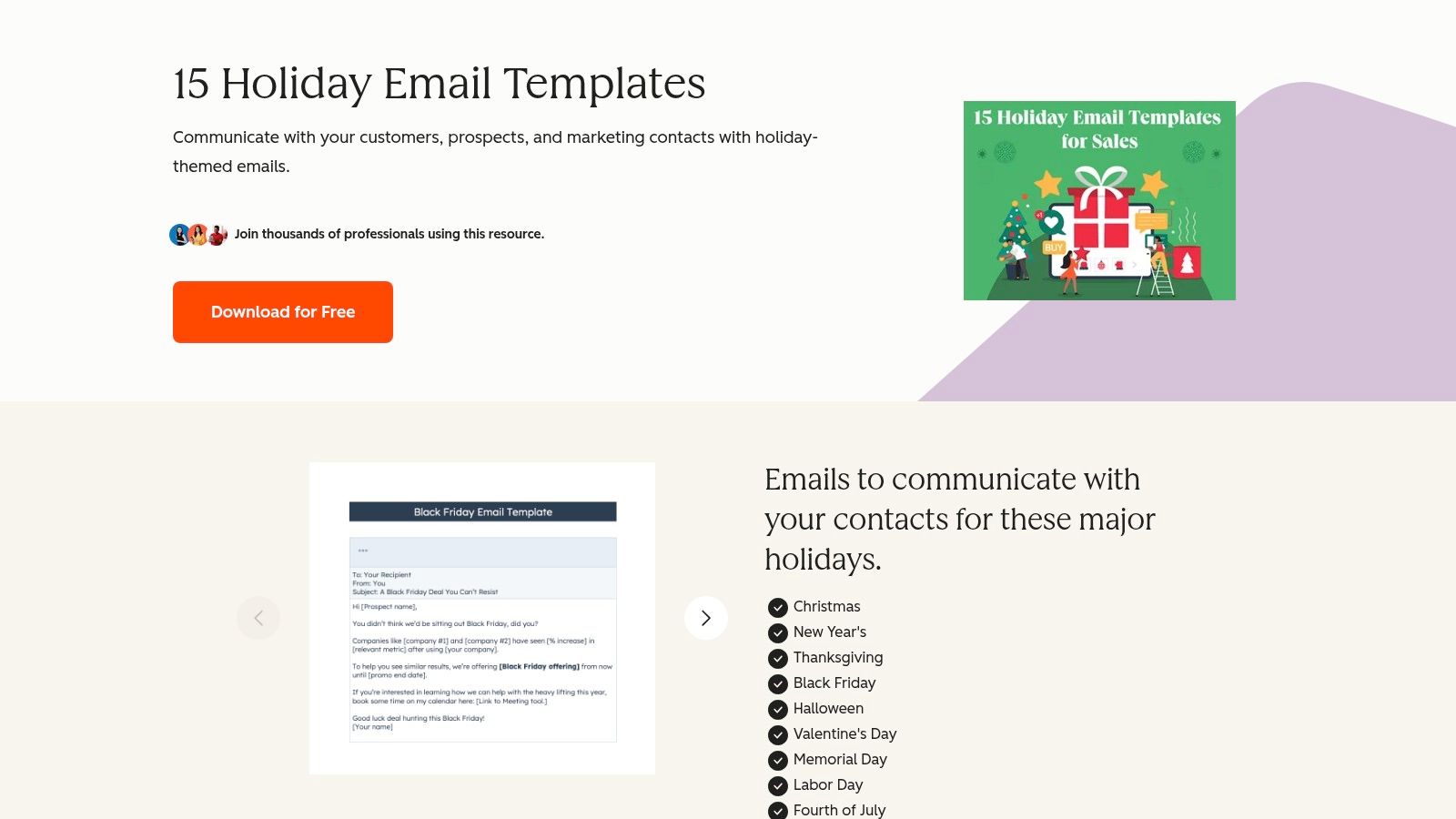
When the wording is the hard part, HubSpot's 15 holiday email templates give you a starting script rather than a finished layout. Christmas, New Year's, Thanksgiving, Black Friday, Halloween, and Independence Day each get a structure you can rewrite. The download sits behind a form, so you trade your contact details for the file. Several examples are sales notes. A thank-you or a year-end update needs a hard edit.
There is no visual email to send. You still need a tool, a list, and a place the next volunteer can find both. Treat the file as a script, then paste it into whatever your group already sends with.
Holiday mail does get read. Omnisend's 2025 dataset put Holidays & Seasonal opens at 47.62%, above the 30.22% all-industry average, with a 1.17% click-through rate. Those figures describe retail campaigns, where a click means a purchase. A club notice earns its keep on one response: the RSVP, the sign-up, the reply that says someone can bring chairs. Judge clicks against messages delivered, not against opens, and put the action in the first screen. Pair any of these lines with a plain announcement example so the subject matches the body.
9. Mailjet, Holiday email marketing templates
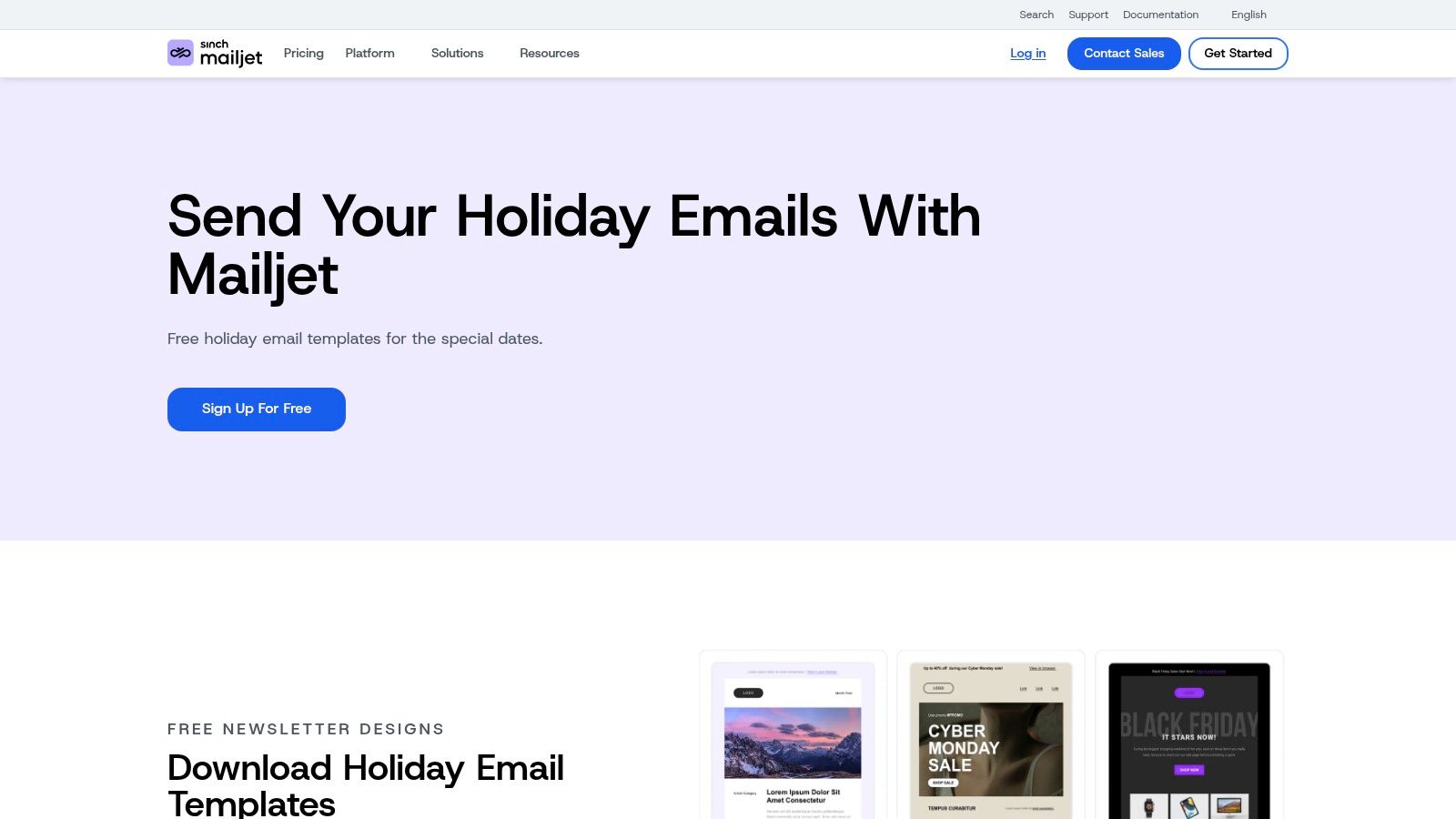
The December notice goes out, the treasurer replies to it, and the reply lands in a personal inbox nobody checks again until February. Mailjet's holiday email templates address the sending half of that problem. Black Friday, Christmas, and New Year designs sit inside an editor that also runs the campaign, so the layout, the list, and the send live in one account. Member addresses stay behind a login rather than riding along on a BCC line.
The free tier is the part to read first. Mailjet's pricing page lists the Free plan at 6,000 emails a month with a 200-per-day send limit. A 400-household association clears the monthly cap with room to spare and still needs two send days for one announcement. Schedule the greeting on the 1st and the reminder on the 2nd, or accept the split.
More than one person can work on the same draft, which matters the day a volunteer steps down. Add a second admin when you create the account, and point reply-to at a mailbox the group owns, not the sender's.
Delivery is part of the template
A clean header does not buy inbox placement. Some share of legitimate mail lands in spam or goes missing entirely, and volunteer sends count as bulk mail to Gmail and Yahoo. Those providers expect bulk senders to publish SPF, DKIM, and DMARC records, include one-click unsubscribe, and keep complaint rates low. Use a stable From address and a visible way off the list. A blast people cannot leave gets marked as spam, and next month's real notice pays for it.
10. Omnisend, Holiday newsletter templates
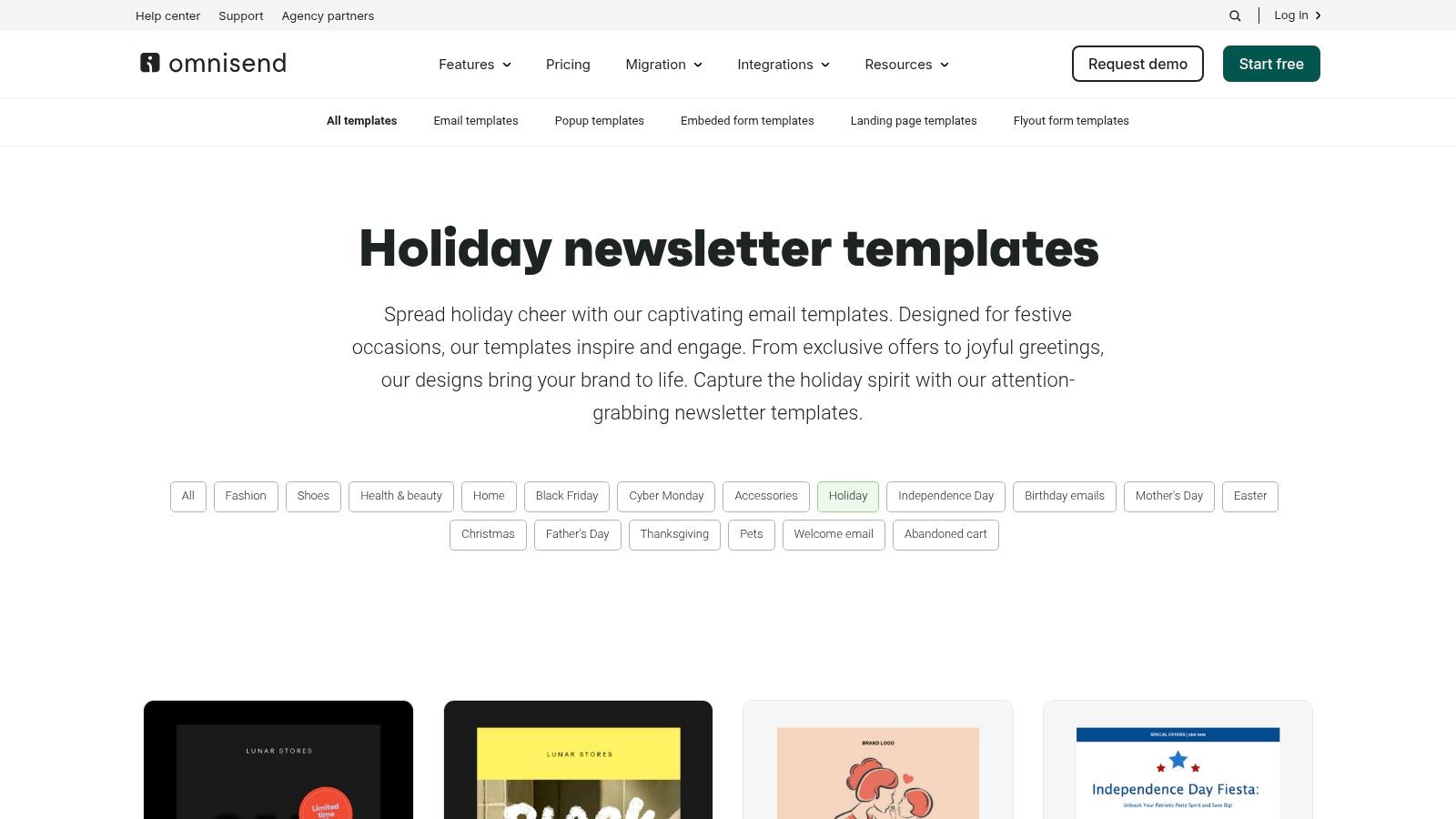
Omnisend's holiday newsletter templates are aimed at stores. Christmas, Black Friday, Mother's Day, and Pride Month layouts sit next to signup forms, landing pages, and automation. A free plan exists for trying the editor, but the sending caps are low for a real member list. Check the current limits on Omnisend's pricing page before you commit, since free-plan caps change often enough that last year's number is no help.
Use it when you sell something seasonal, like a fundraiser catalog or a wreath sale. Skip it when the job is "service is at 10, doors open at 9." Retail blocks, product grids, and discount language take longer to delete than a blank email takes to write. Automation also assumes clean segments, so budget an evening to dedupe the contact spreadsheet and fill in missing first names before you build a workflow.
One column and large type matter here too. The oldest members are often reading on the oldest phones.
- Keep identity: Same From name on the greeting and the reminder.
- Drop the grid: One story, one date, one link.
- Name the owner: Write down who exports the contacts if the chair steps down.
- Test the reply: Send to two officers and see where the answer lands.
A less personalized, consistently readable note beats a data-driven design when half the rows are blank. That is the version a future volunteer can edit without you.
Holiday Eblast Template Tools at a Glance
| Item | Free Option | Sends Email Directly | Best For | |---|---|---|---| | Canva, Holiday newsletter templates | Free plan available | No; use an external sender | Designing festive newsletters and greetings | | Campaign Monitor, Holiday email templates | Not specified | Yes; campaigns are sent through Campaign Monitor | Responsive campaigns, nonprofit updates, and year-end recaps | | Mailchimp, Email templates | Free plan with limits | Yes; includes audience management and campaign sending | Organizations already using Mailchimp | | MailerLite, Holiday email newsletter templates | Free plan available; pre-designed templates are paid | Yes; includes newsletter sending | Recurring newsletters and seasonal mailings | | Stripo, Holiday email templates | Free editor plan available | No; export designs to an email service | Portable HTML email design | | Beefree, Email templates | Free template catalog available | No; export to Gmail or an email platform | Visual design for sending through an existing provider | | Mailpro, Holiday and vacation email templates | 30-day trial available | Yes; includes email sending | Seasonal greetings, closure notices, and special hours | | HubSpot, 15 holiday email templates | Free download with contact details | No; provides copy templates, not sending | Holiday message ideas and subject lines | | Mailjet, Holiday email marketing templates | Free plan with sending limits | Yes; includes campaign sending | Occasional campaigns with no-code editing | | Omnisend, Holiday newsletter templates | Free plan with contact and email limits | Yes; includes campaign sending | Retail and e-commerce seasonal promotions |
Choose the Holiday Eblast Template Your Group Can Maintain
The best holiday eblast template is the one a future volunteer can find, edit, and send without calling you. Pretty files in a personal Canva account fail that test. So does a Mailchimp login taped inside last year's binder.
Before you pick a source, check four things.
- Single column: One stack of text, big type, and the news in the first two lines.
- Alt text: Every image has a real description, and the message still makes sense if images never load.
- A live reply path: Questions reach a role, a shared inbox, or the group on purpose. They do not spill every address through reply all.
- A named list owner: Two people can add a member, remove a member, and export the list. The list does not live only in one person's Sent folder.
If the core need is one address that reaches every member, a dedicated group tool such as Listava fits better than a marketing template. People write from the email app they already have. Nobody downloads an app or builds a dashboard login. Privacy stays intact because personal addresses are not pasted into the CC line, and replies can stay with the group instead of exploding across private inboxes.
You do not need that for every list. A short-lived cookie exchange can live on CC or BCC if everyone accepts the privacy trade. Google Groups can work when the institution already runs it and someone will learn the settings. A Facebook group is fine for people who regularly check Facebook, and weak for the members who will not. Match the tool to how long the list must outlive its founder.
Whichever layout you choose, send a test to the oldest phone in the group and to someone who was not in the drafting thread. If they can name the date, the place, and how to answer, the template is ready.
Listava gives a group one email address that reaches every member, with replies that stay on the list and personal addresses kept private. That is the missing piece when a holiday eblast template looks right but the CC line is still a privacy mess and the next treasurer cannot find the list. If your board, club, or congregation needs that kind of send, visit Listava and set up the address before the holiday notice goes out.